

Memory and core dumps
Antinomie can save memory in two different ways. Choose by the question you have. This page describes Antinomie 0.8.0, which is in development; the current release is 0.7.1. Memory and core capture are the same in both.
| Memory dump | Process core | |
|---|---|---|
| What | The VM’s whole physical RAM | One process: its thread registers and its memory mappings |
| Format | An ELF file written by QEMU | A native Linux x86-64 ELF core |
| Size | The VM’s RAM | Bounded by a Budget of stored bytes, 64 MiB to 1 GiB (default 256 MiB) |
| Panel | Memory | Core dumps |
| Analysis | Volatility 3 plugins or MemNixFS reports | Registers, mappings, disassembly, strings, notes, Ghidra |
Memory is observed at one moment. The program or the kernel may change it while it is read, and anything absent from a dump is unknown, not zero.
Memory dump
Section titled “Memory dump”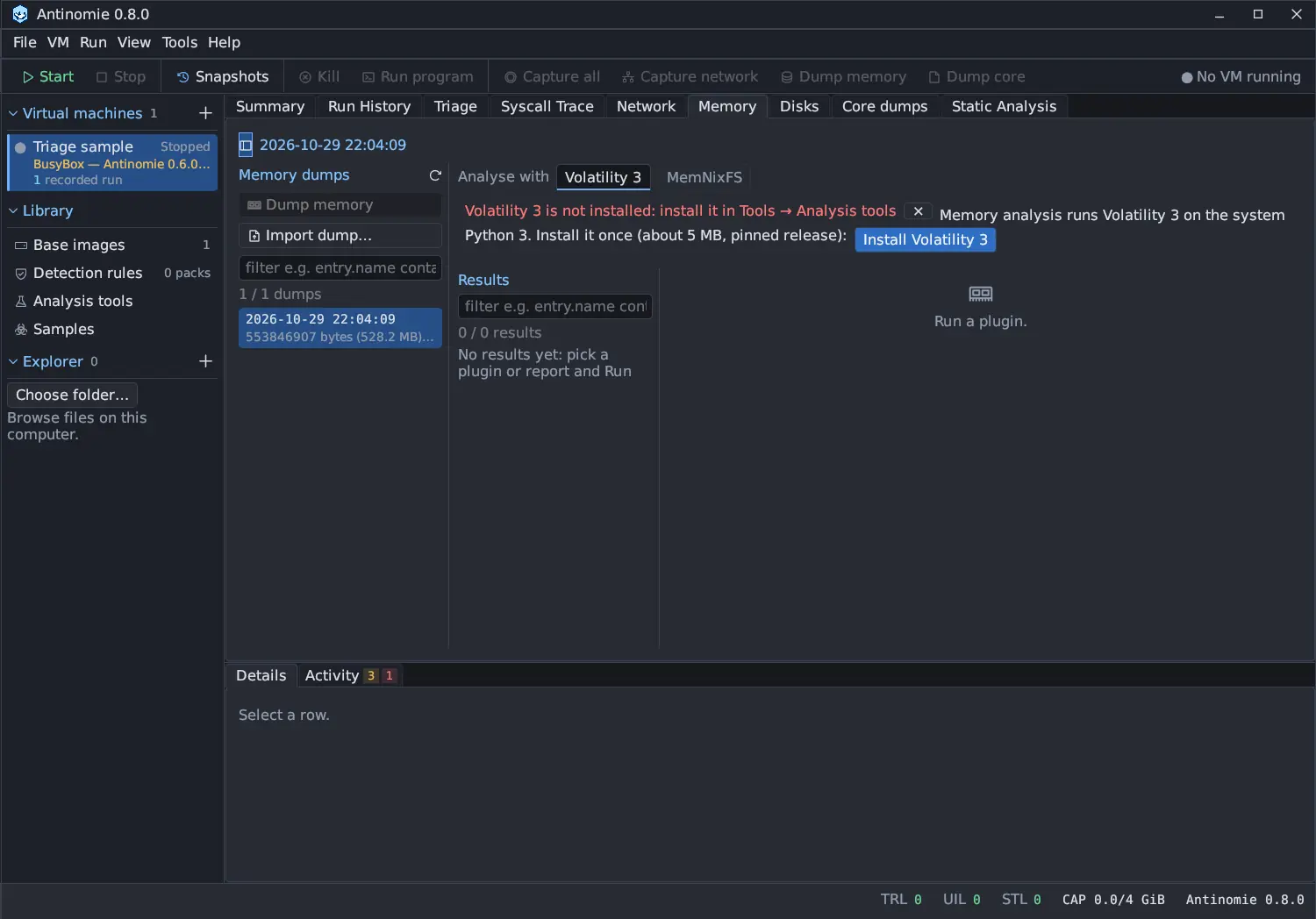
- Dump memory (toolbar or Memory panel) saves the running VM’s RAM. The VM
pauses while it is written and then continues. A banner under the toolbar
reads
Writing RAM dump 41% - VM pausedwith a progress bar, and run, upload, capture and debugger actions are disabled until it is done, rather than failing. - Memory Dump on Exit in Run program queues one dump after the launched process tree exits, with the same banner while it is written. It shows the VM after the program ended, not a process core, and freed process memory may already be gone. The dump is linked to the run.
- Import dump… adds a dump from elsewhere.
A dump never overlaps with a snapshot or reconnect operation. RAM dumps are not counted in the boot’s recording quota; check the free space of the data volume first, as a dump is as large as the VM’s RAM.
Core dump on exit
Section titled “Core dump on exit”Core Dump on Exit in Run program retains a core of the launched root process before its address space is released, on normal exit or fatal-signal teardown. Descendant processes are not captured. Requirements:
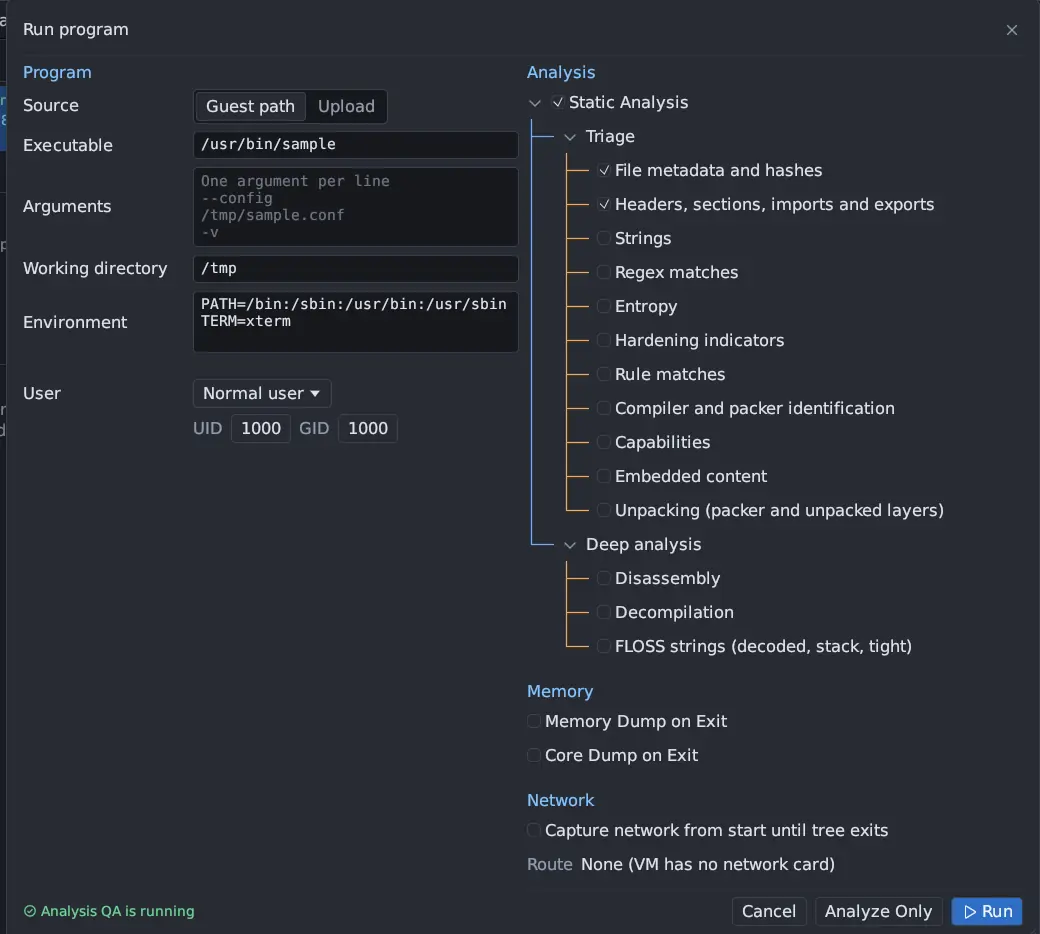
- a guest base with revision 15 or newer (older bases still launch normally, and the option says why it is unavailable);
- Run in: App terminal, because desktop launchers run a shell wrapper that cannot prove which process to capture.
The core holds the thread registers and mappings. Linux’s own coredump_filter
decides which mappings are included; omitted ones stay visible in the ELF
metadata. A fatal core-producing signal keeps its original signal information. A
program killed with SIGKILL leaves immediate teardown, and register context can be
unavailable. Thread synchronization and page faults may delay the exit, so the
deadline is not a hard limit on the exit.
When Stop ends a program that ignores SIGTERM, the guest sends SIGKILL after its grace period (see Run History). A core being copied at that moment is not interrupted: the SIGKILL waits for the copy, at most 15 seconds more.
Manual core
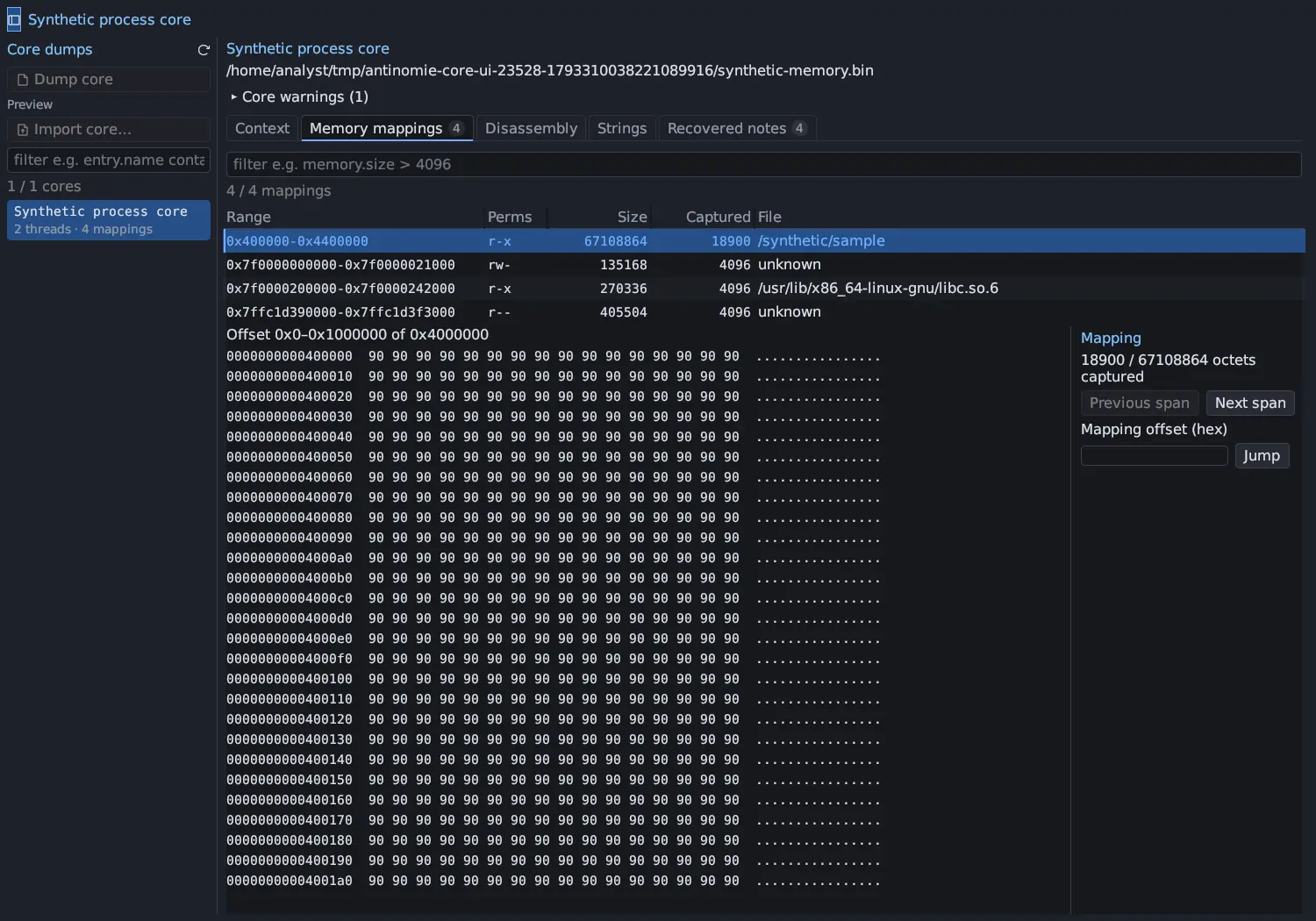
Section titled “Manual core”Dump core (toolbar or Core dumps) captures a process you pick from the running guest. It briefly pauses the chosen thread group, copies its resident memory and thread context, and lets it continue. It never kills the target and needs a base with revision 16. Details:

- Only resident pages are captured. Memory that was not resident, filtered or unscanned is marked unavailable, not zero.
- Repeated cores of one process get separate IDs, statuses and result folders.
- Not captured: shared mappings changed by other processes, DMA and other kernel writers during the pause, so a core is not an atomic snapshot.
- Refused: processes being traced or externally stopped, dead leaders, groups that share an address space, and a process that changed identity in the race.
- Snapshot operations wait for an acquisition to release its pause.
- A core can be taken while the Debugger holds the process stopped.
Cancel a core
Section titled “Cancel a core”While a manual or on-exit capture is running, the Core dumps panel shows Cancel process core. It stops the capture and lets the process continue. Whatever prefix had been saved is kept. A cancelled capture is marked cancelled; a core that was only partly written says it is partial.
Budget and deadline
Section titled “Budget and deadline”Core Dump on Exit (in Run program) and Dump core both have a Budget and a Deadline:
- The Budget (64, 128, 256, 512 MiB or 1 GiB, plus the guest’s own maximum when it is none of those) bounds the bytes the guest stores. Pages that were never touched are holes in the core and cost nothing, so a large budget is free for a small process. The default is 256 MiB, set under Tools → Settings → Recording → Process cores: default budget, and lowered to what the guest accepts.
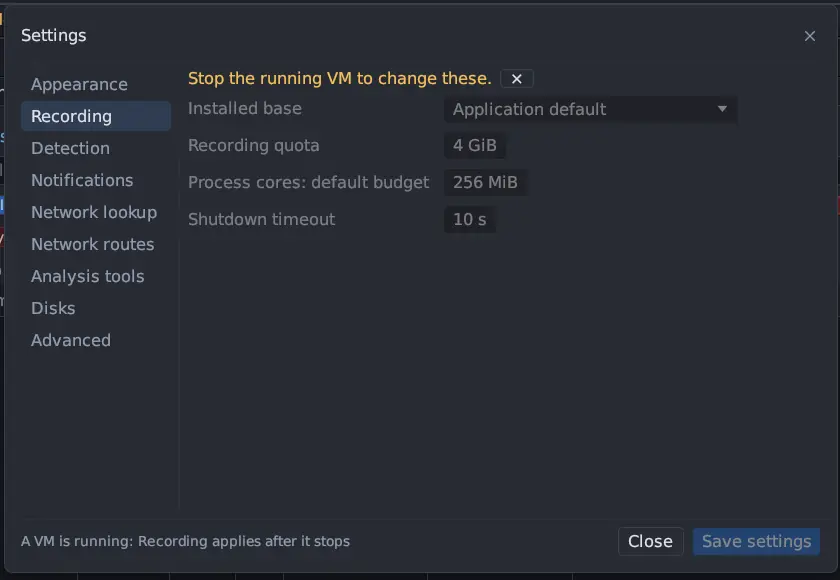
- The Deadline follows the budget (5 seconds plus 10 ms per MiB) until you change it, up to 60 seconds.
The guest says what it accepts, from its RAM: half of RAM less 128 MiB, between 64 MiB and 1 GiB. A 256 MiB guest accepts 64 MiB, a 1 GiB guest 384 MiB, and a guest with 2.25 GiB or more 1 GiB. Larger sizes are listed but disabled. A base built before 0.7.0 accepts 64 MiB and 5 seconds only, and says that it needs a rebuild for larger cores. The guest’s buffer grows in 8 MiB steps as the core is written, so a guest that runs out of memory gives a labelled partial core rather than a failed capture.
Why a core is partial
Section titled “Why a core is partial”Every core records what was requested, what the guest accepted, the size the ELF
headers declare, what was saved and, when it is not complete, why. The list
shows the outcome, for example Partial · 64 MiB of 128.4 MiB · budget reached,
and the details show the full sizes and reason.
| Reason | Meaning |
|---|---|
| budget reached | The stored bytes reached the budget; later mappings have no captured bytes |
| guest memory | The guest could not allocate more memory for the copy |
| deadline | The serialization deadline passed |
| canceled | The capture was cancelled |
| guest bounds | More threads, mappings or extents than the guest bounds |
| extent bound | The core file would extend past 16 GiB |
| coverage | A thread context or resident pages are not covered |
| interrupted | A signal interrupted the acquisition |
| writer stopped | The guest stopped writing the core for another reason |
| recording quota | The recording quota ran out |
| host disk | The host disk has too little room; such a core is refused before anything is written |
| host write | Writing the file failed |
| sealed | A snapshot, stop or reconnect ended the transfer |
These are also filter fields of the Core dumps list: capture.reason
(budget, guest_memory, deadline, quota, host_disk…),
capture.requested_size, capture.accepted_size, capture.saved_size (bytes on
the host disk, holes excluded) and capture.logical_size (the file size, holes
included).
Deleting a core
Section titled “Deleting a core”Right-click a core in Core dumps and choose Delete…. See Core dumps.
Limits
Section titled “Limits”See Limits and quota for the guest’s bounds and the storage quota.