

Loss counters
Antinomie never hides data it lost. Three counters in the status bar, TRL, UIL and STL, count three different kinds of loss. Each loss happens at a different point on the way from the guest kernel to your screen and to disk. This page describes Antinomie 0.8.0, which is in development; the current release is 0.7.1.
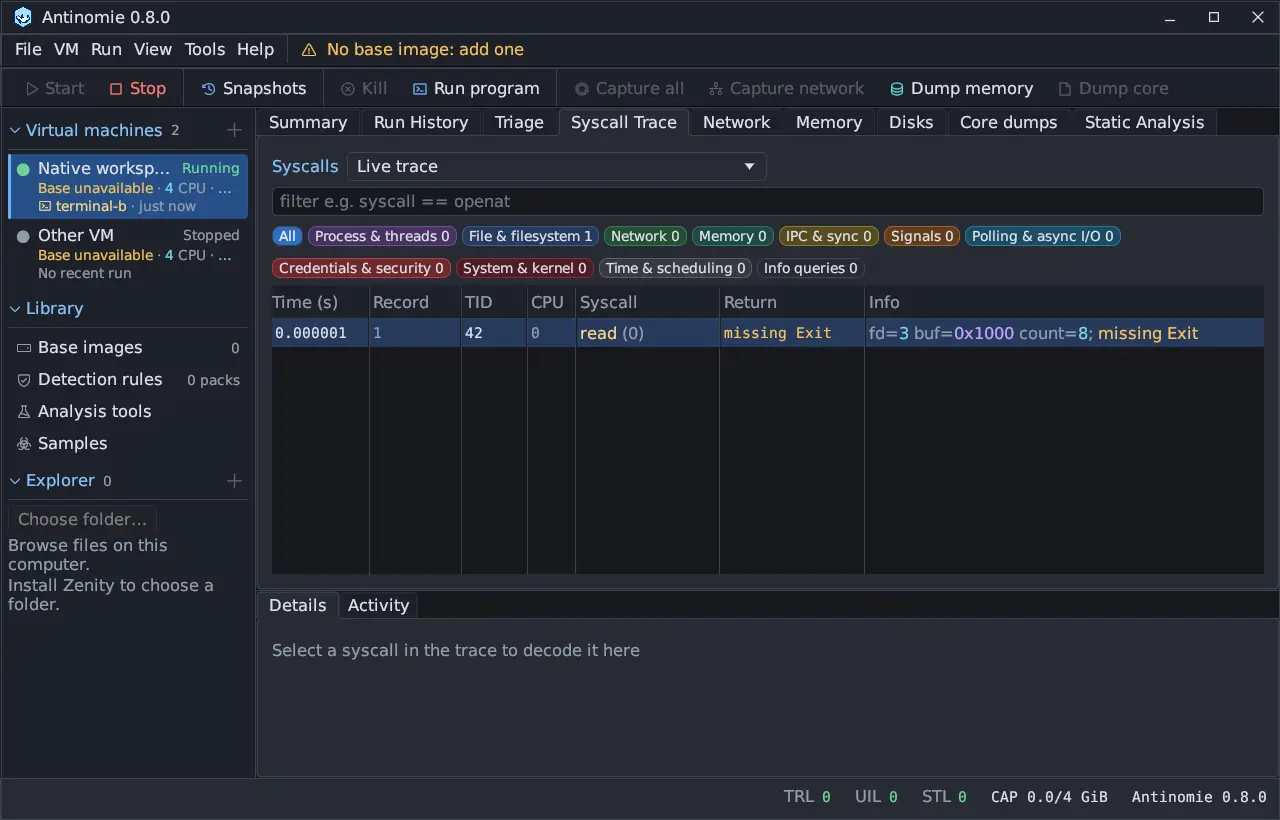
guest kernel -> per-vCPU buffer -> host -> recording on disk TRL | STL +-> preview in the window UILHover a counter for its definition. A counter that is not zero turns amber, and STL turns red when saving failed.
| Counter | Name | What was lost |
|---|---|---|
| TRL | Transport loss | Records the guest could not hand over: N of M attempted records |
| UIL | User interface loss | Preview records the interface could not display |
| STL | Storage loss | Packets that could not be saved |
CAP beside them shows the saved size against the quota. Summary shows the same three as Transport drops, Storage drops and UI preview drops, and a fourth, Guest hash / credential drops (below).
TRL: transport loss
Section titled “TRL: transport loss”The guest kernel puts each record in a buffer for its virtual CPU. If the buffer
is full when the guest has to write, the record is either waited for or dropped,
according to the telemetry settings. TRL counts the
records that were dropped. It also counts records shed by Capture all when the
host could not keep up; the tooltip then says Capture All shedding: dropping events.
The TRL hover also names Guest hash and credential records dropped by the tracer. On a base built for Antinomie 0.7.0 or later the guest kernel writes credential and file-hash records; when one cannot be sent, the guest counts it, and the latest count rides in every later record. This count is not added to TRL, but it is observed loss: Summary shows it as Guest hash / credential drops and its health then reads Loss observed.
For your data: those calls are missing from the recording. Calls around the
gap may be incomplete. A dropped hash or credential record means a missing
Hashes or User value in Triage and the Sigma journal, not a wrong one. The
data that arrived is intact.
In Never drop mode a record is dropped only when the host read nothing from its ring for the whole send wait. Since 0.8.0 the host times every such pause and Summary → Health → More health details → Telemetry read gaps says what caused it, and a guest sender that has to wait keeps its turn instead of losing the freed room to other senders. See Telemetry transport settings.
What to do:
- Keep When buffers fill on Never drop (the default), or raise Guest buffer per vCPU.
- Trace one program instead of Capture all on a busy desktop.
- Make sure the VM uses KVM, and that the host has CPU and disk to spare.
- Re-check the counters after changing one setting at a time.
UIL: user interface loss
Section titled “UIL: user interface loss”The host shows a bounded preview of live records in the window. If the window cannot keep up, preview records are dropped.
For your data: nothing in the recording is lost. A recording is not marked incomplete because of UIL. The live view may be missing some rows that the saved recording has.
What to do: nothing is needed for the evidence. Reopen the run from Run History to read the full, saved view. To reduce UIL, close heavy panels or narrow the trace.
STL: storage loss
Section titled “STL: storage loss”STL counts packets that arrived but could not be retained. Causes are a full disk, a write error, or the recording quota being reached.
For your data: the packets after the failure are not in the recording. The status bar shows Saving stopped: … with the cause, and affected runs are marked Saving stopped. Everything saved before is intact. See Recording incomplete.
What to do: free disk space, move the VM’s Recording parent to a larger disk, or raise Recording quota in Tools → Settings… → Recording and restart the VM. See Limits and quota.
Other health facts in Summary
Section titled “Other health facts in Summary”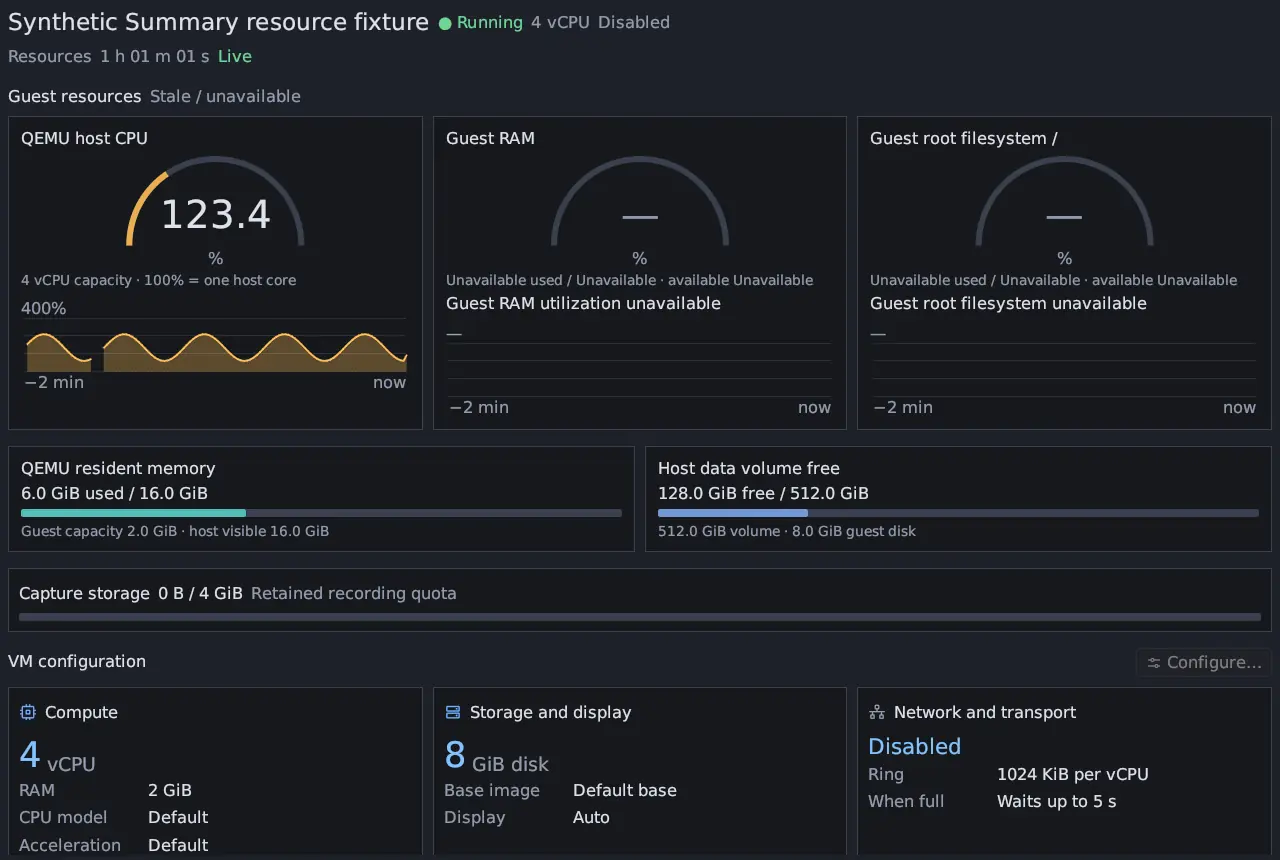
Summary → Health adds:
| Item | Meaning |
|---|---|
| State | No recorded losses, Loss observed, Recording error, Recorder health unavailable or Recorder health pending. Any transport, storage, preview or guest hash and credential drop, Capture all shedding, recorder failed sends or async loss makes it Loss observed. |
| Drops | Transport drops, Storage drops, UI preview drops and Guest hash / credential drops |
| Recorder failed sends | The guest’s own count of records it failed to send, since boot. It can overlap TRL and is shown separately. |
| Runs with async observation loss (this boot) | Runs that lost asynchronous observations; see Recording incomplete |
| More health details | How long telemetry was held back for the recording writer, the Telemetry read gaps (0.8.0), packets persisted, write backlog, parser errors, reply stalls, and counts of copy faults, schema gaps and context failures |
Tools → Refresh recorder statistics samples the guest’s counters. An overdue reply shows as unavailable rather than blocking the app.
When the guest stops answering
Section titled “When the guest stops answering”If the guest’s heartbeat stalls, for example because the host starved its CPUs, the app waits 30 seconds, then reconnects by itself, retrying at 2, 4, 8 and 16 second intervals, and says so. VM → Reconnect telemetry does it by hand. In 0.8.0 a reconnect no longer waits for a busy disk: it takes well under a second, and its receipt says how long each step and the guest took. Commands to the guest also count the guest’s own time now, so on a loaded host a command no longer times out (“outcome unknown”) before the guest had a chance to see it.
New in 0.8.0Reconnecting starts new recording segments and keeps the old ones. A run that was running keeps its id and stays one row in Run History, with a note per reconnect; Triage reads all of its segments. See Live versus saved recordings.