

Details
Details sits below the main panels and shows the full information for the row you selected. It follows one main panel:
- Syscall Trace: the decoded call and its captured bytes.
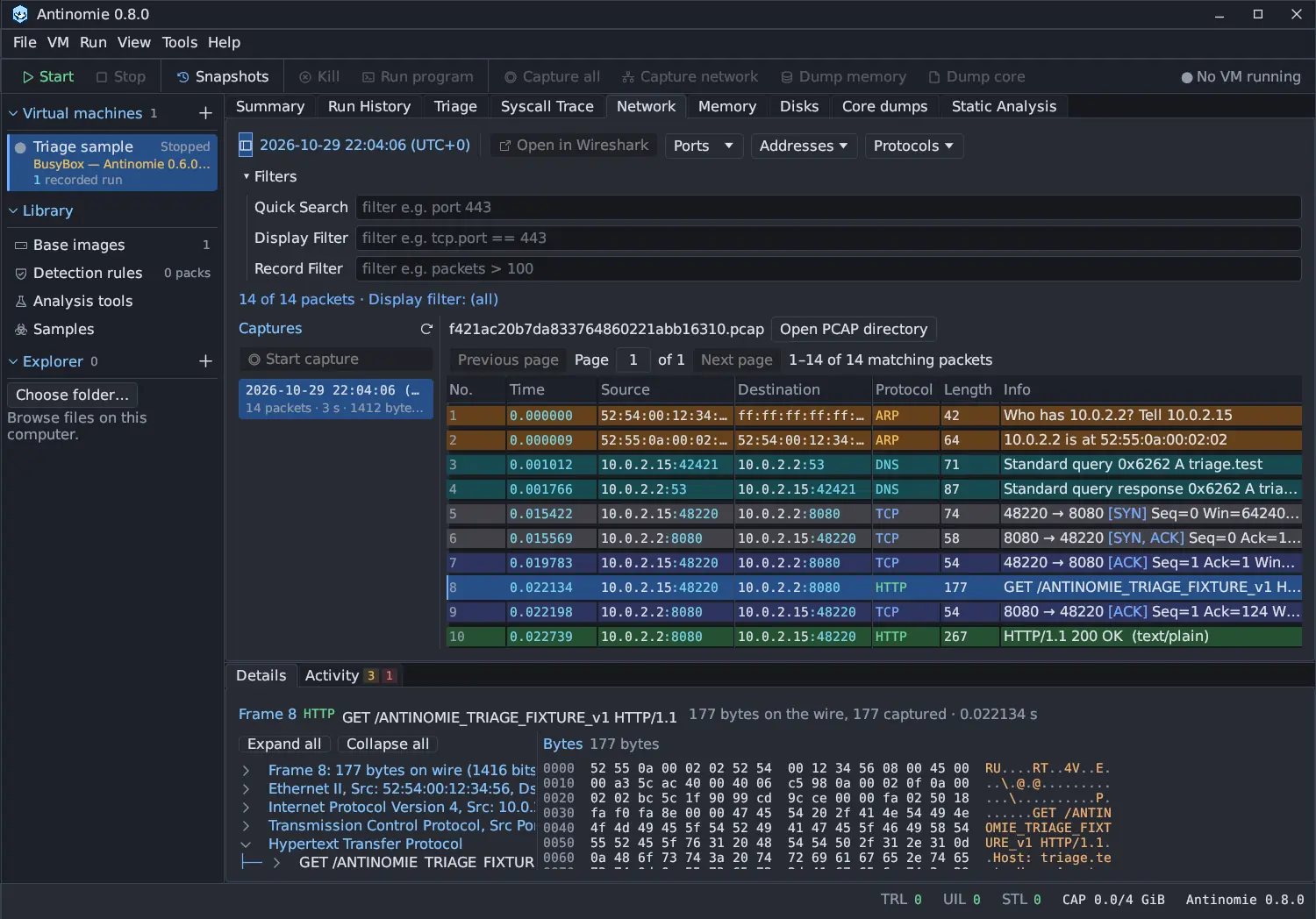
- Network: the selected packet’s TShark details tree and bytes, or the selected capture’s record.
- Memory: the selected Volatility or MemNixFS result row.
- Disks: the selected file, dump record or difference.
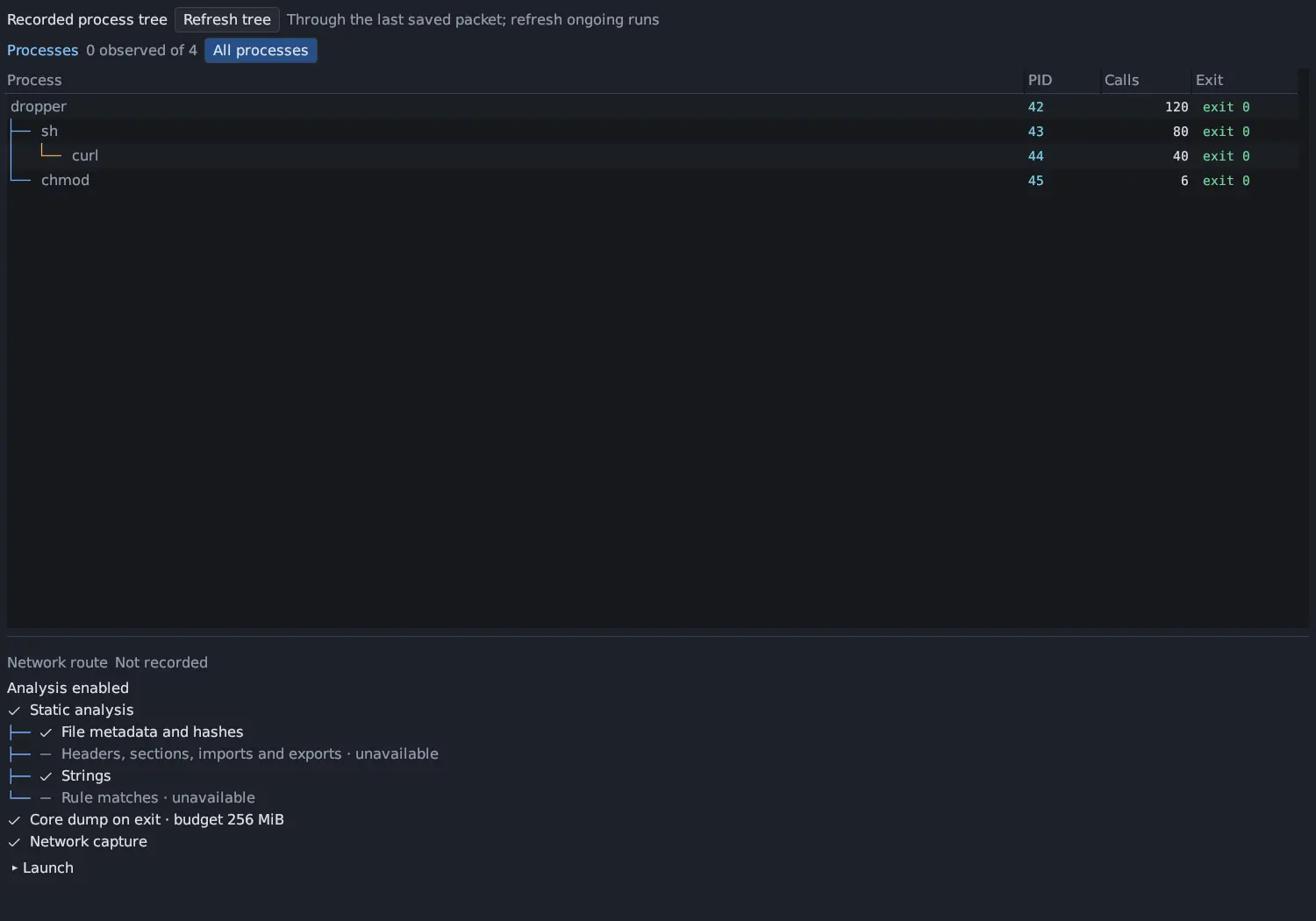
- Run History: the selected run or capture, with its process tree, the analyses that were on and its launch.
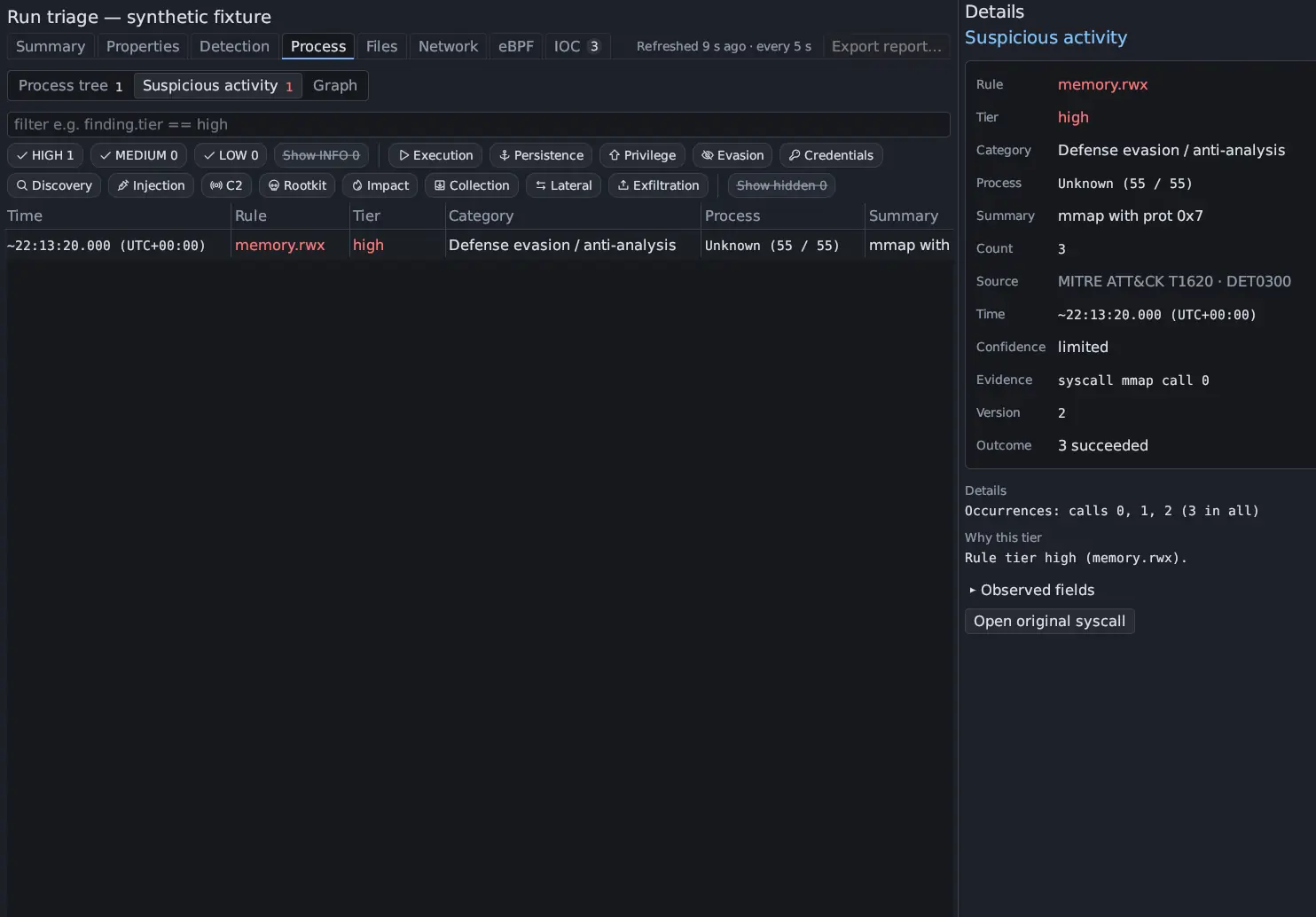
- Triage: the selected suspicious activity, process, file, network, indicator or BPF row, a changed file’s diff, or a detection match.
- Core dumps: the selected mapping, function, string or note.
- Static Analysis: the selected row of the shown category, with the category it comes from.
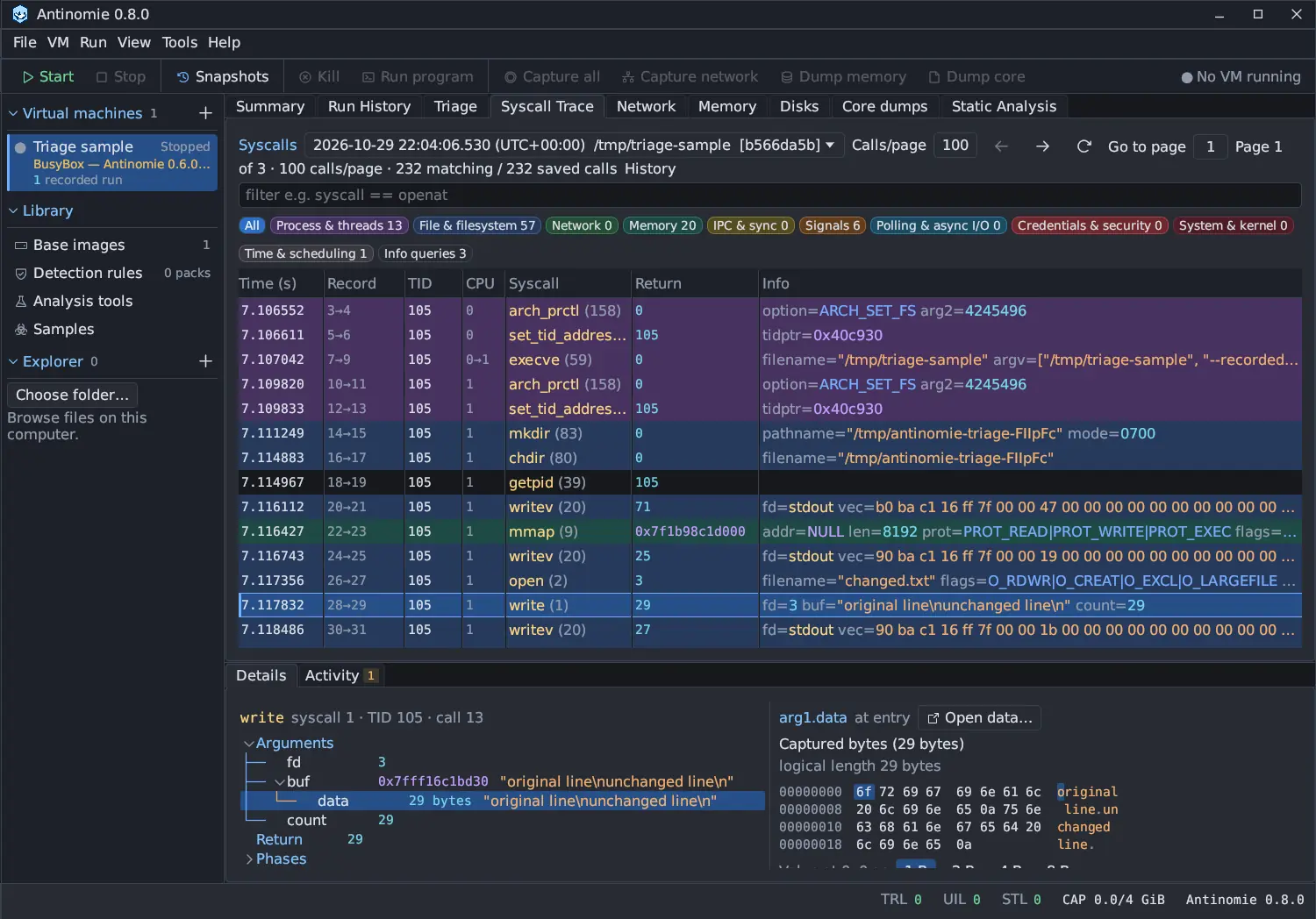
When only one of those panels is visible, Details follows it. When several are visible (split or detached), it follows the one you clicked last, or whose tab you chose. With nothing selected in the followed panel, Details says what to select there, such as Select a syscall in the trace to decode it here, Select a run in Run History. or Nothing selected.
In Triage the details sit in a column beside the tables rather than below them, so a table and the row it explains are side by side.
Details scrolls vertically. It keeps its place while the same run or capture stays selected and returns to the top when you choose another. While a Debugger tab is shown, Details and Activity fold down to their tab strip so the debugger has the height.
Working with values
Section titled “Working with values”Right-click a number to copy it in common formats, and a flags value to copy its Flag names. A captured object opens in its own data window with Open data…, initially as UTF-8; choose ASCII, hex, hexdump, C array, Base64, decimal bytes or an escaped string with Format and copy the result with Copy. A partial capture keeps its gap and error information.
Selecting a row never opens a hover popup or a second inline inspector; the information is here. Double-click in the source table instead to open the original evidence, for example the syscall behind a Triage row, or use the Open original syscall button in Details.
Some panels also open their own windows from a row’s right-click menu: Show details… and Show bytes… in Static Analysis, and Details… for a detection match, which opens a movable window per finding. See Detection engines.