

Activity
Activity is the app’s log. It sits below the main panels beside Details. When there are warnings or errors, its tab title shows their counts as two small chips, a warning-coloured one and an error-coloured one. The table has Time, Level and Message columns, newest entries shown as they arrive.
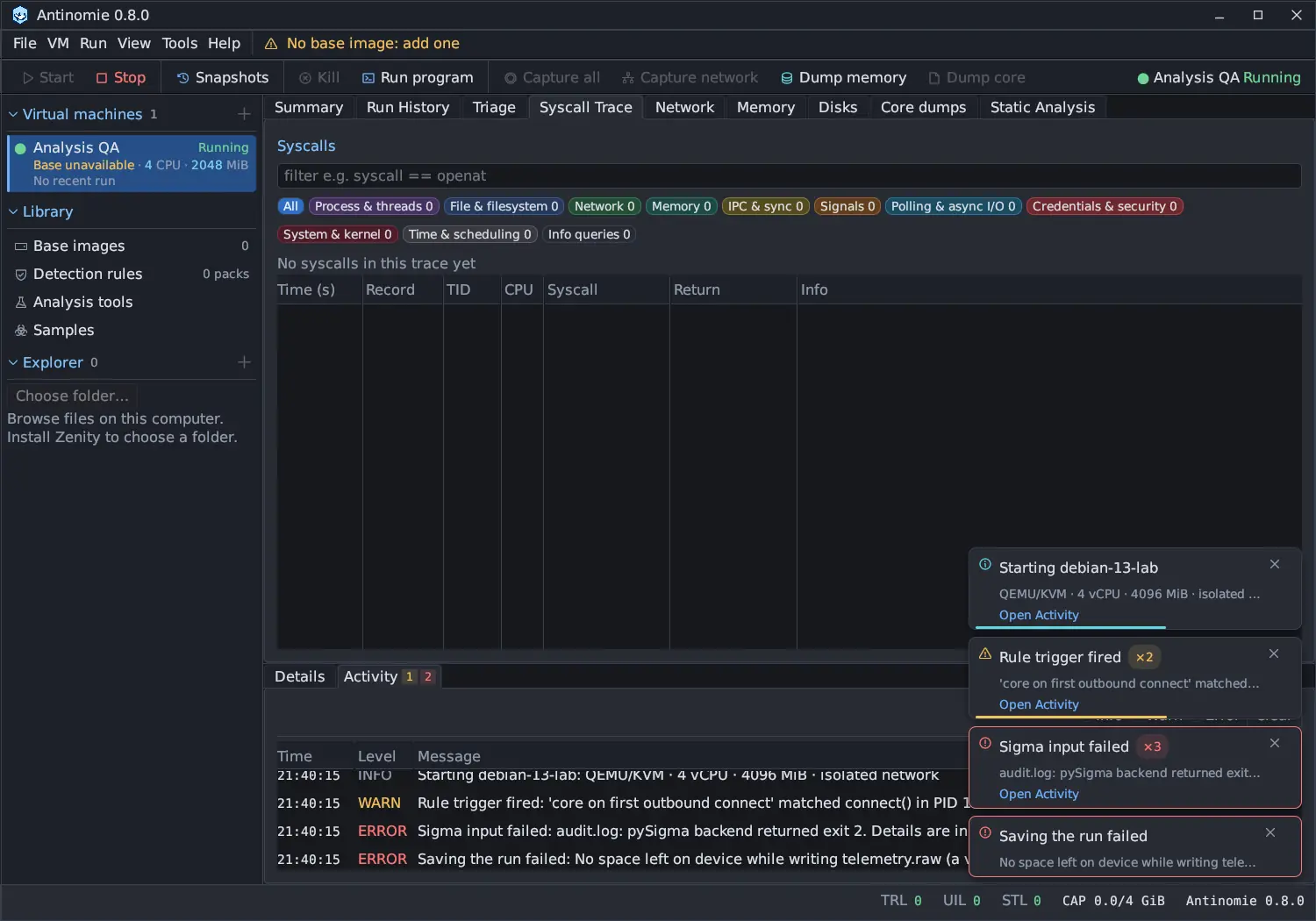
| Control | Does |
|---|---|
| Info, Warn, Error | Show or hide entries of that level |
| Clear | Clears the saved Activity log, including entries hidden by the level filter |
Click a column header to sort by it: the first click sorts ascending, the next descending, and an arrow marks the column. Hover a time for its full UTC date, and a message for its full text. An empty log says No activity, and one whose entries are all filtered out says No activity at the selected levels.
What appears here:
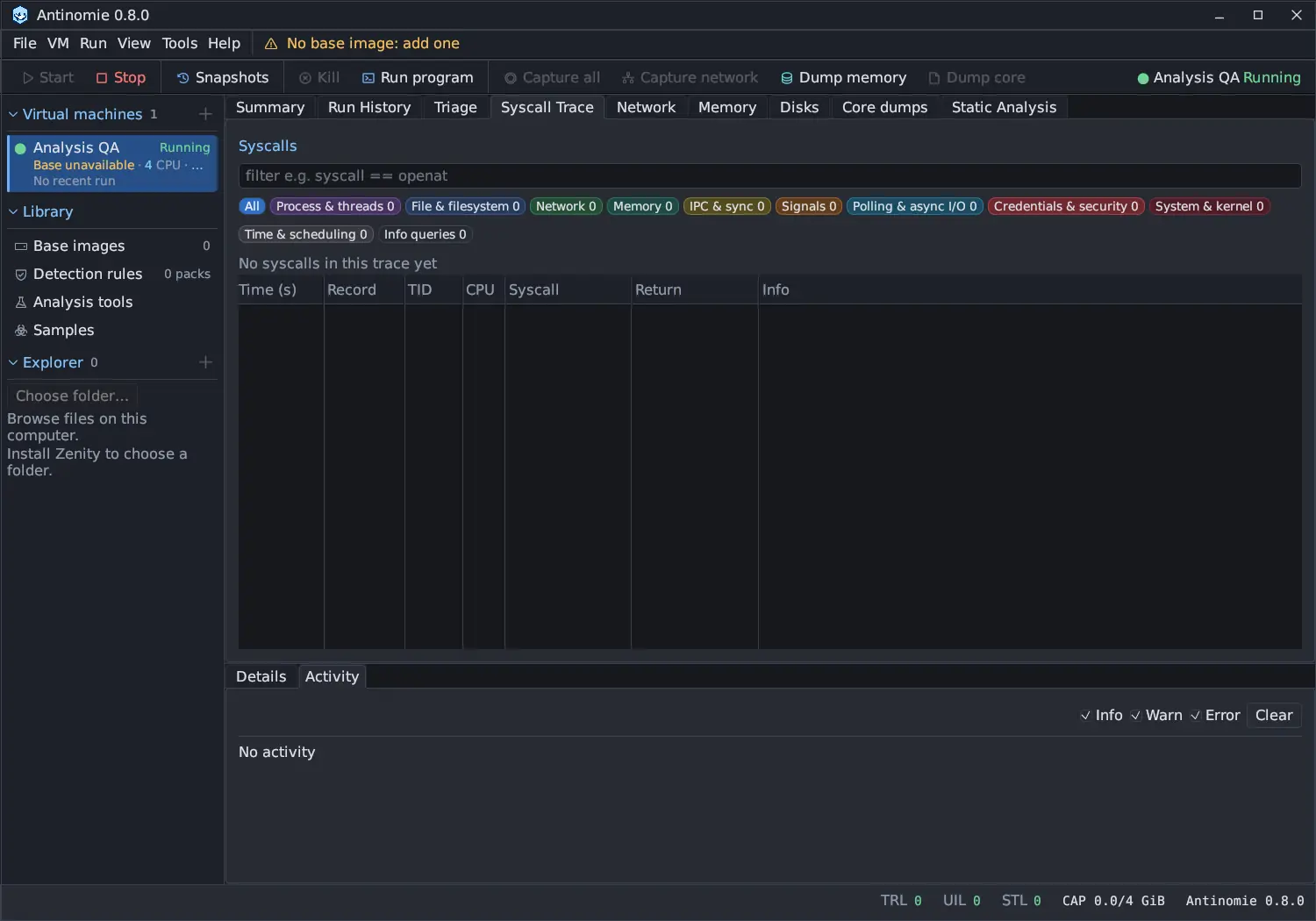
- Every notification, such as a failed command, a failed upload, a QEMU start failure, a download, build or tool-install failure, and the results of Memory, Disks, Samples, Snapshots and Rules actions. The notification leaves; its row stays here.
- Warnings that also appear inline. A notice with a dismiss control can be dismissed there; the details stay in Activity.
- Recording health: a recorder capture loss, an unavailable recorder health reading, and runs with async observation loss. Repeated polls of the same condition are listed once.
- Run-specific entries, such as Recording incomplete for …: saving stopped. Summary lists only the selected boot’s conditions; Activity keeps the run-specific history.
- Each deletion of a network capture, process core or disk dump.
- A terminal copy that was refused because the selection is larger than 8 MiB; see Terminal.
If notices arrive faster than the log can take them, a row says how many were left out (Activity notice queue overflow: N additional notices omitted).
See Recording health for what these conditions mean.