

Summary
Summary is the first tab. It shows the selected VM: its state, its host and guest resources, the recording health, and its configuration. It has no rows to click; its one action is Configure…. This page describes Antinomie 0.8.0, which is in development; the current release is 0.7.1.
If no VM is selected it asks you to choose one, and with no VM at all it offers Create a VM.
What it shows
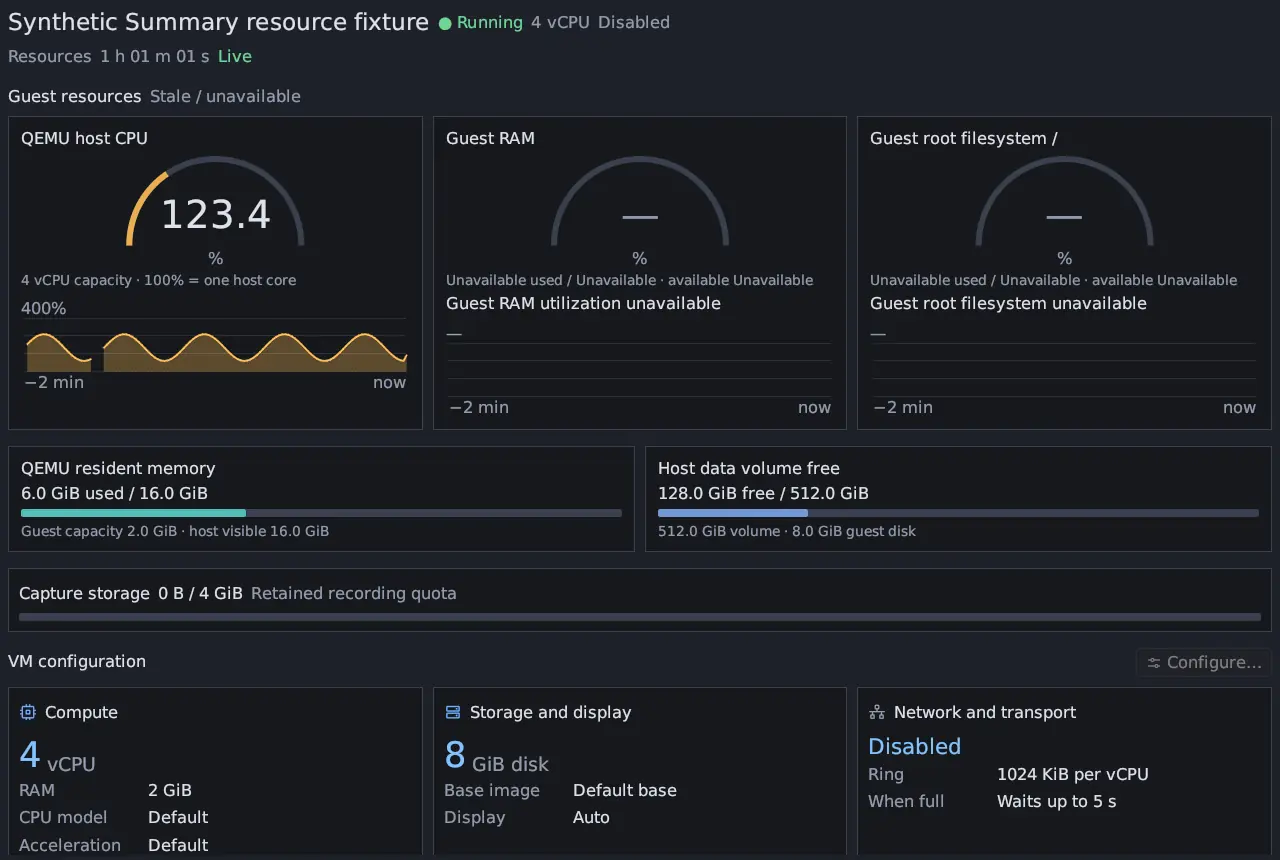
Section titled “What it shows”- State and identity: the VM’s name with Running, Starting, Stopping, Failed or Stopped, its vCPU count and network mode (Disabled, Isolated, NAT / external access or Routed (route chosen per run)), and the base. Capacities are separate from actual usage.
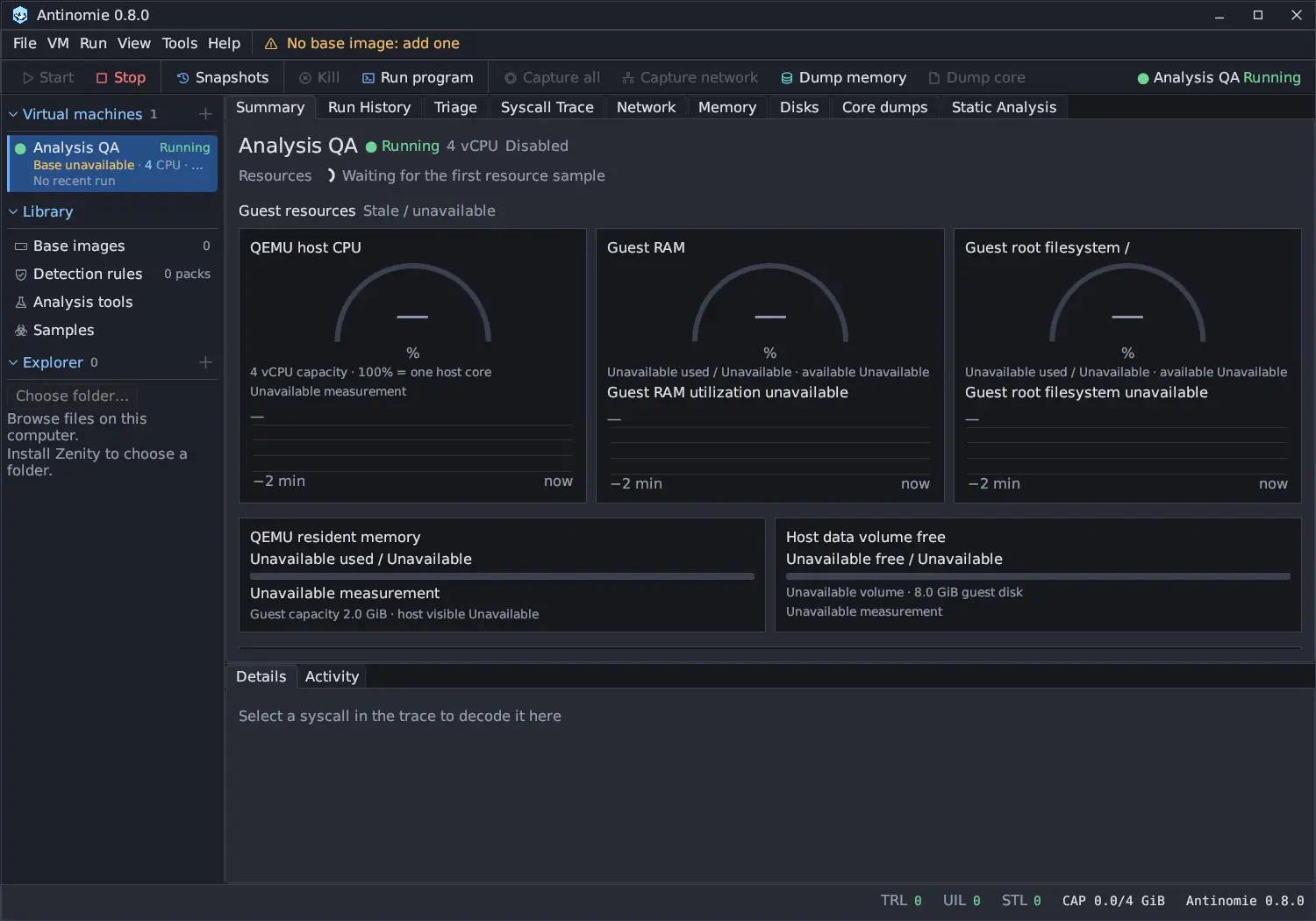
- Resources: for a running VM, QEMU host CPU (100 % is one host core, so a 4 vCPU VM can reach 400 %), QEMU resident memory, the host’s available RAM, and Host data volume free, each with a two-minute history per VM. A stopped VM keeps its last observation with its age, or says No retained observation. A missing measurement says Unavailable; it is never shown as zero.
- Guest resources: Guest RAM used and available, and Guest root filesystem / used and free, read every second or two while the VM runs. Other mounts are not covered. A late reading, a paused VM or a snapshot boundary marks the reading Stale / unavailable.
- Capture storage: the recording saved by this boot against its Limit, the recording quota.
- Health: Transport drops, Storage drops, UI preview drops and Guest hash / credential drops (records the guest tracer had to drop), plus a state: No recorded losses, Loss observed, Recording error, Recorder health pending or Recorder health unavailable. See Loss counters.
- VM configuration: cards for Compute, Storage and display, Network and transport (with the ring size per vCPU and what happens When full) and Stealth profile. Configure… opens the VM dialog while the VM is stopped.
More health details
Section titled “More health details”More health details under Health opens the counters behind the state:
| Row | Meaning |
|---|---|
| Telemetry held back for the writer | How long, in all and at the longest, the host held telemetry back because the recording writer was behind the disk (the guest’s sends waited meanwhile), or never |
| Telemetry read gaps New in 0.8.0 | Pauses between the host’s telemetry reads: how many, over which threshold, the longest, and the three causes that took the most time, or none |
| Packets persisted | Packets written to the recording |
| Write backlog | Data waiting for the recording writer |
| Parser errors, Reply stalls | Packets the host could not parse, and guest replies that came late |
| Copy faults, schema gaps, context failures | The guest recorder’s own observation diagnostics; they are not added to the drop counters |
A read gap’s cause is one of writer backlog, writer wait, drain pass work, ring not served, not scheduled, other host work or blocked. A guest send that waited for the whole of such a gap is a dropped record, so these rows say which host pause caused which drop. See Telemetry transport settings.
Older bases
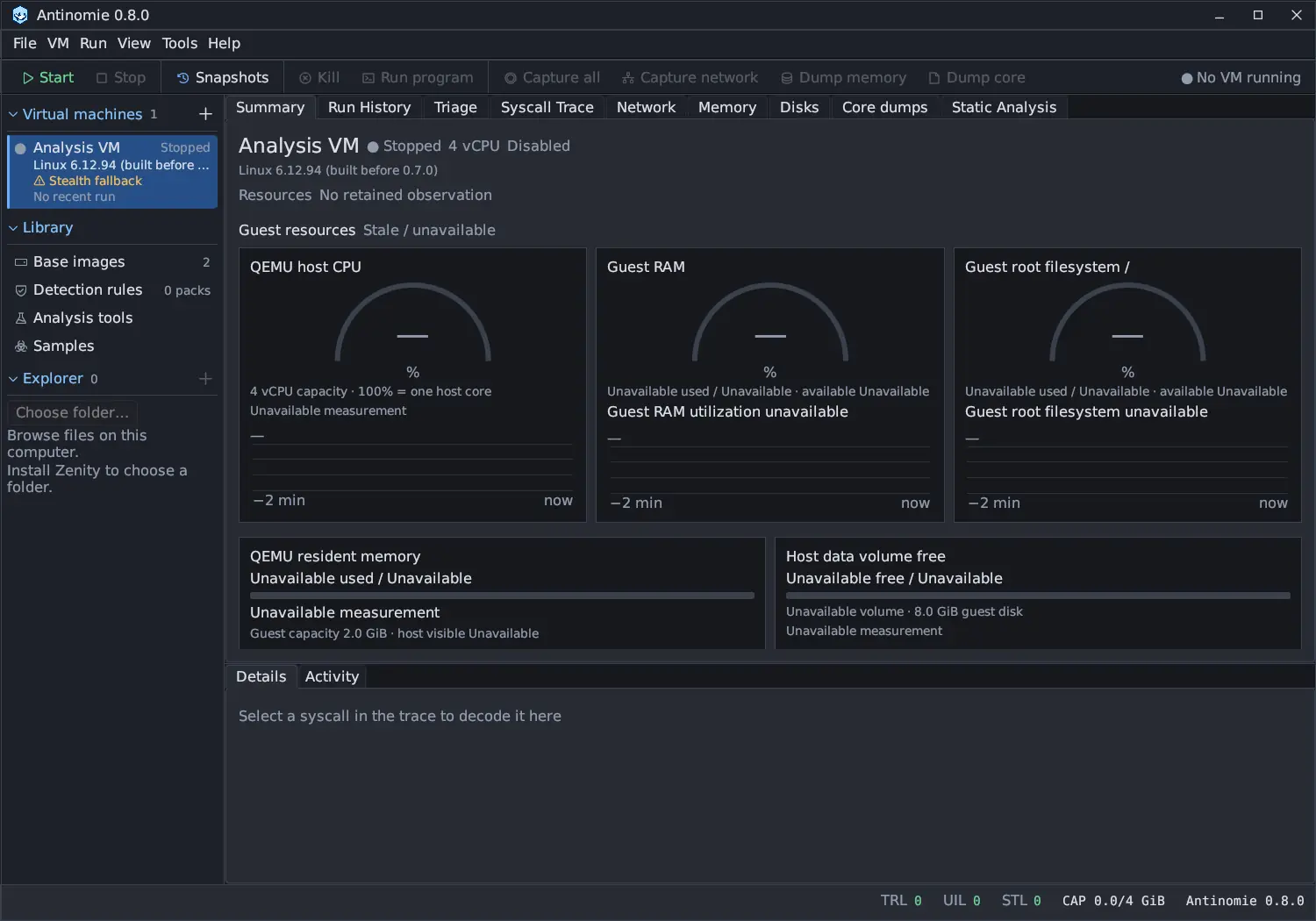
Section titled “Older bases”On a base built for 0.7.0 or later, the guest kernel itself reports its RAM and root filesystem use, and nothing is uploaded or started in the guest for it. A base built before 0.7.0 still uses a small temporary collector until you rebuild it; see Stealth profile. The sidebar warns Stealth fallback when an entry of the VM’s stealth profile cannot be used, because the base, a Debian base or the host lacks it, and the VM falls back to the plain choice (such as BIOS, virtio or one thread per core).
Related
Section titled “Related”Recording health, Telemetry transport settings, Limits and quota.