

Data folders and the run folder layout
Everything lives in plain folders you can browse. Use Open directory on a VM, Open result directory on a run, capture, dump or core, or Open PCAP directory on a capture to reveal the right folder in your file manager. This page describes Antinomie 0.8.0, which is in development; the current release is 0.7.1. What only 0.8.0 writes is marked.
The data directory
Section titled “The data directory”By default ~/antinomie, or the folder given to --data-dir. It holds:
| Folder | Holds |
|---|---|
bases/ |
Installed bases, each kept once and read-only |
vms/ |
One folder per VM: its configuration and disk |
tools/ |
Optional analysis tools Antinomie installed, such as Magika, the Sigma environment, GEF and pwndbg |
rules/ |
The rule catalog, installed packs and your custom groups |
samples/ New in 0.8.0 |
The sample library: one encrypted archive per sample (password infected) in a folder named by its first two hex digits, and library.sqlite with names, descriptions, tags, origins and the custody log. Records of earlier versions are kept in samples/legacy/. See The sample library. |
A VM’s disk and its recordings can be elsewhere: the VM dialog’s Disk parent and Recording parent choose them. Changing the recording parent applies to future recordings; earlier ones stay where they are.
Recordings
Section titled “Recordings”A VM’s recording folder holds:
| Folder | Holds |
|---|---|
runs/<run id>/ |
One program run |
captures/<capture id>/ |
A Capture all or Attach to process recording |
boots/<boot id>/ |
Per-boot material: the boot’s network captures in network/ (and network.pcap for a whole-boot capture), manual process cores in core-captures/<id>/, the runs of a boot after a snapshot restore or a reconnect in runs/, and, in 0.8.0, file-before/ (below) |
memory/<dump id>/ |
A memory dump: memory.elf, its dump.json, the symbol table and the saved Volatility results |
core-dumps/<id>/ |
The results of a core you imported; the core itself stays where it was |
disks/<id>/ |
A disk dump: root.ext4, its dump.json record and an extracted/ folder for files extracted from it |
disks/.scratch-<id>/ |
The temporary image of a disk opened in the Disks tab without keeping it; deleted when the view closes or the VM starts |
disks/extracted/<view id>/ |
Files extracted from an open disk view |
In 0.8.0 each boot also keeps the earlier bytes of the files its runs
changed, in boots/<boot id>/file-before/: an index.json with an entry for
every file asked about (created by the run, copied, not copied past a cap, not on
the disk, or unavailable with the reason) and one file per copy. They are copied
when the boot is over and its recording is saved, from the disk the boot started
from, so they stay readable after the base or a checkpoint is deleted. The copy
is not counted in the recording quota; the caps are in Settings › Advanced.
The VM folder holds a run-layer.json while that copy is pending, and the next
start or launch of the app finishes it after a crash. See
Limits and quota.
A run that lived through a transport reconnect has a run folder in each boot
it spans; each boot that continues another has a resume-boundary.json that
names the boot it continues. Triage follows them back from the newest.
A run folder
Section titled “A run folder”| File or folder | Holds |
|---|---|
run.json |
The run’s summary: request, state, identities, notes |
manifest.json |
Recording manifest and final health |
telemetry.raw |
The raw received telemetry packets, in order |
objects/ |
Captured buffers, packed into objects-NNNNNN.seg files with an index objects.idx |
terminal.journal, terminal-transcript.raw, terminal-screen.ansi |
The run’s terminal output, its resizes and its last screen, which the terminal replays |
artifacts.json |
Links to the run’s network captures, memory dump and core, and what became of each |
analysis/ |
The static-analysis report and listings |
core/ |
The run’s process core and its core.json |
triage-events.jsonl |
The Sigma event journal |
triage-findings-v2.jsonl |
The Suspicious activity rows of the latest Triage scan, one per line (0.7.0 wrote triage-findings-v1.jsonl) |
triage-digest.json |
What Triage found, kept for the sample window: the highest tier, the matched rules and their techniques, the evasion checks, the detection matches and the indicators (0.8.0) |
ioc/ |
Indicators exported from Triage › IOC as CSV or JSON |
ioc-online.json |
The answers of online IOC lookups, with their time |
report/ |
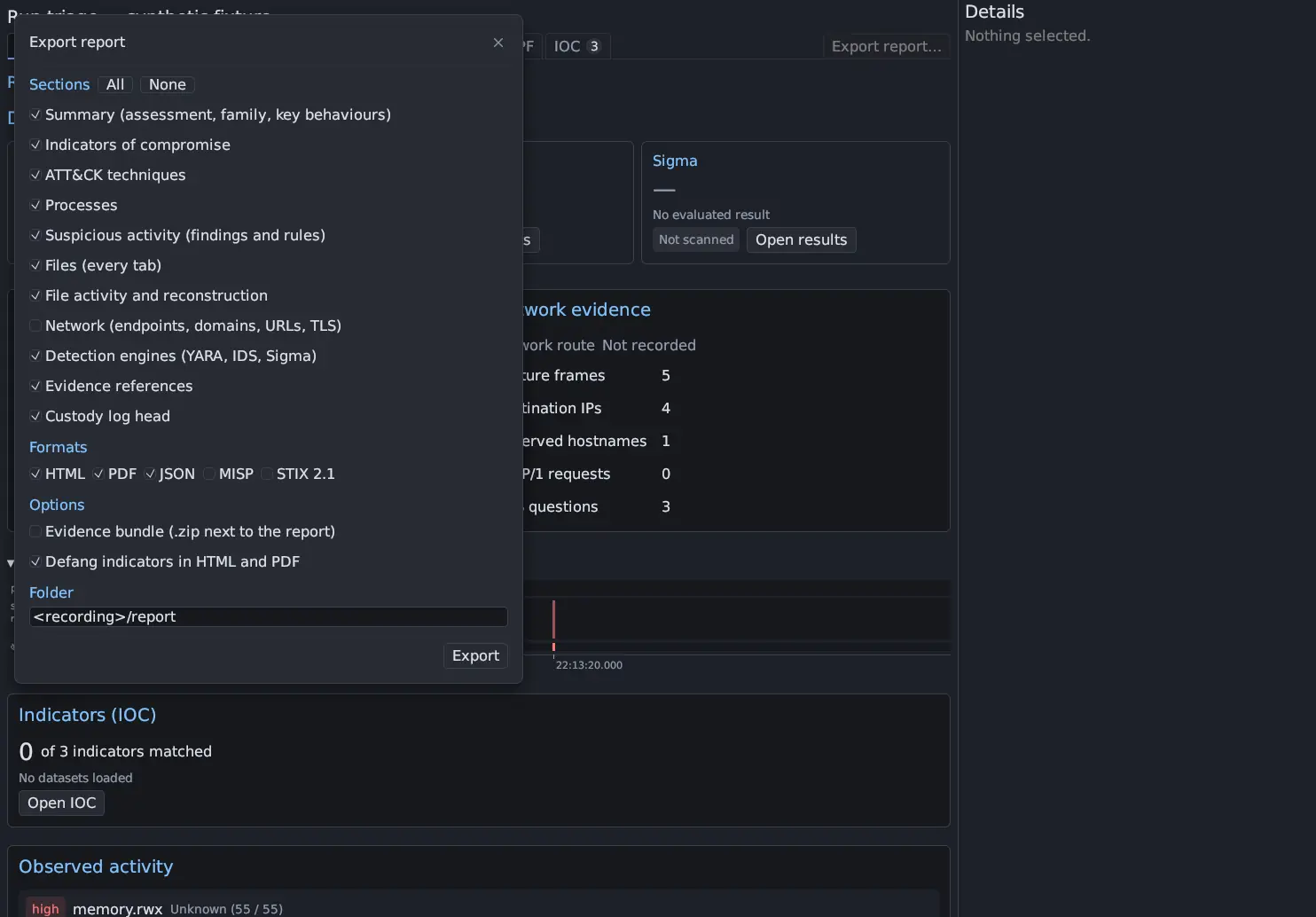
Triage reports exported with Export report…, unless you chose another folder (0.8.0) |
reconstructed/ |
Files saved from the File Reconstruction window, each with a .mask file marking its unknown bytes (0.8.0) |
triage-detection/{yara,ids,sigma}/report.json |
Saved detection results |
annotation.json |
The name and tags you gave the run |
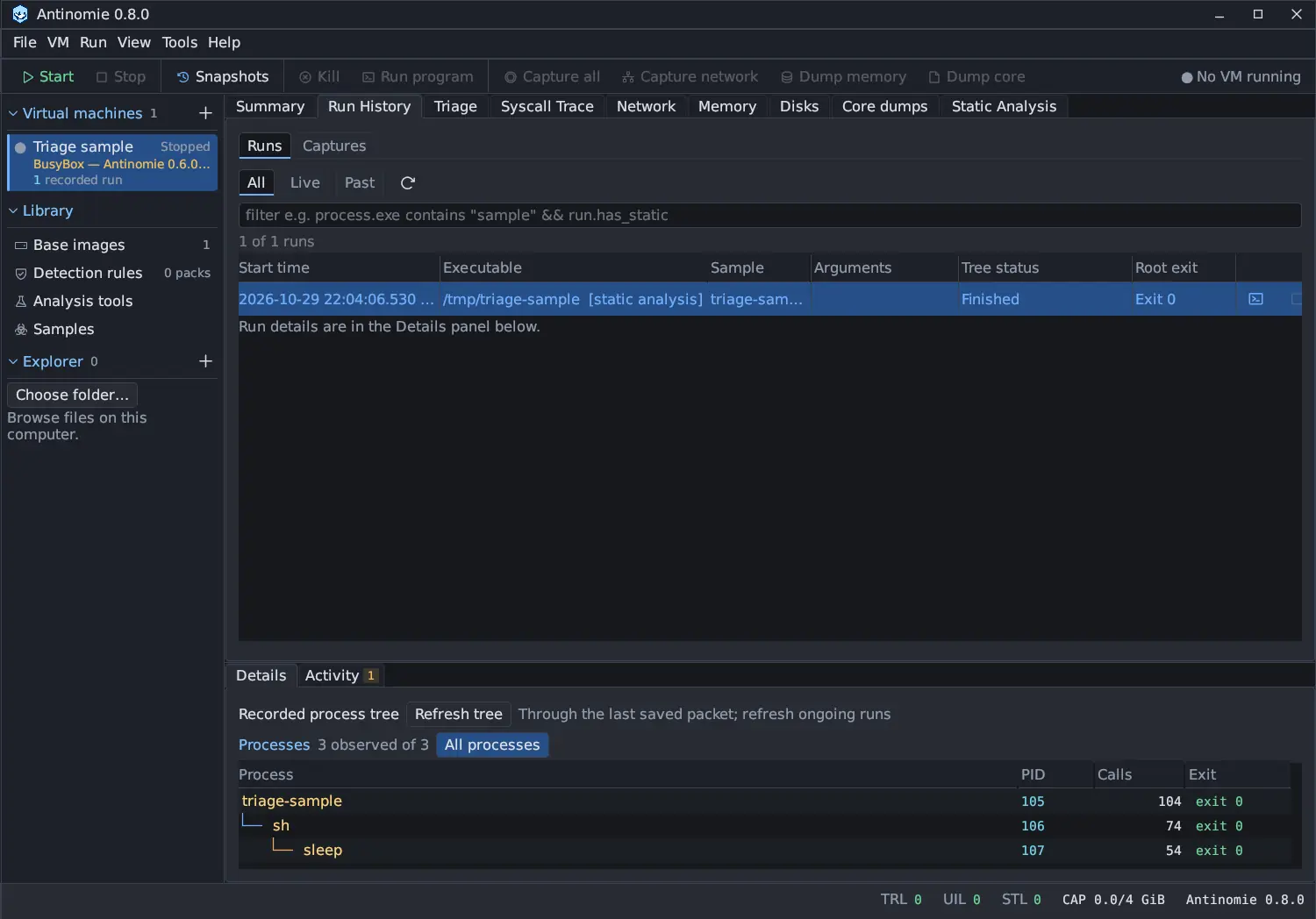
A Capture all folder has capture.json, manifest.json, telemetry.raw,
objects/ and processes.json (the process tree).
Memory dumps are memory.elf with a dump.json summary, and Volatility results
are saved beside them. Manual cores are process.elf with a core.json record
including the run or capture, the original executable path, the retained size, its
SHA-256 and the limits used. Network captures are .pcap files with a JSON summary
beside them; once the Network tab has parsed a finished capture, its packet
list is cached in a <capture>.pcap.view folder beside it. See
File formats.
Names and tags
Section titled “Names and tags”Right-click a run, capture, dump, core or result and choose Rename… or
Edit tags…. Your labels are stored in an annotation.json sidecar (a name of
up to 256 bytes and up to 32 tags of up to 64 bytes each). The recorded files and
their IDs never change.
Do not edit files in place
Section titled “Do not edit files in place”Recordings are evidence. Antinomie reads them but does not rewrite a finished recording, and moving or replacing files of a running VM can corrupt it. See Retention and backups.