Syscall Trace
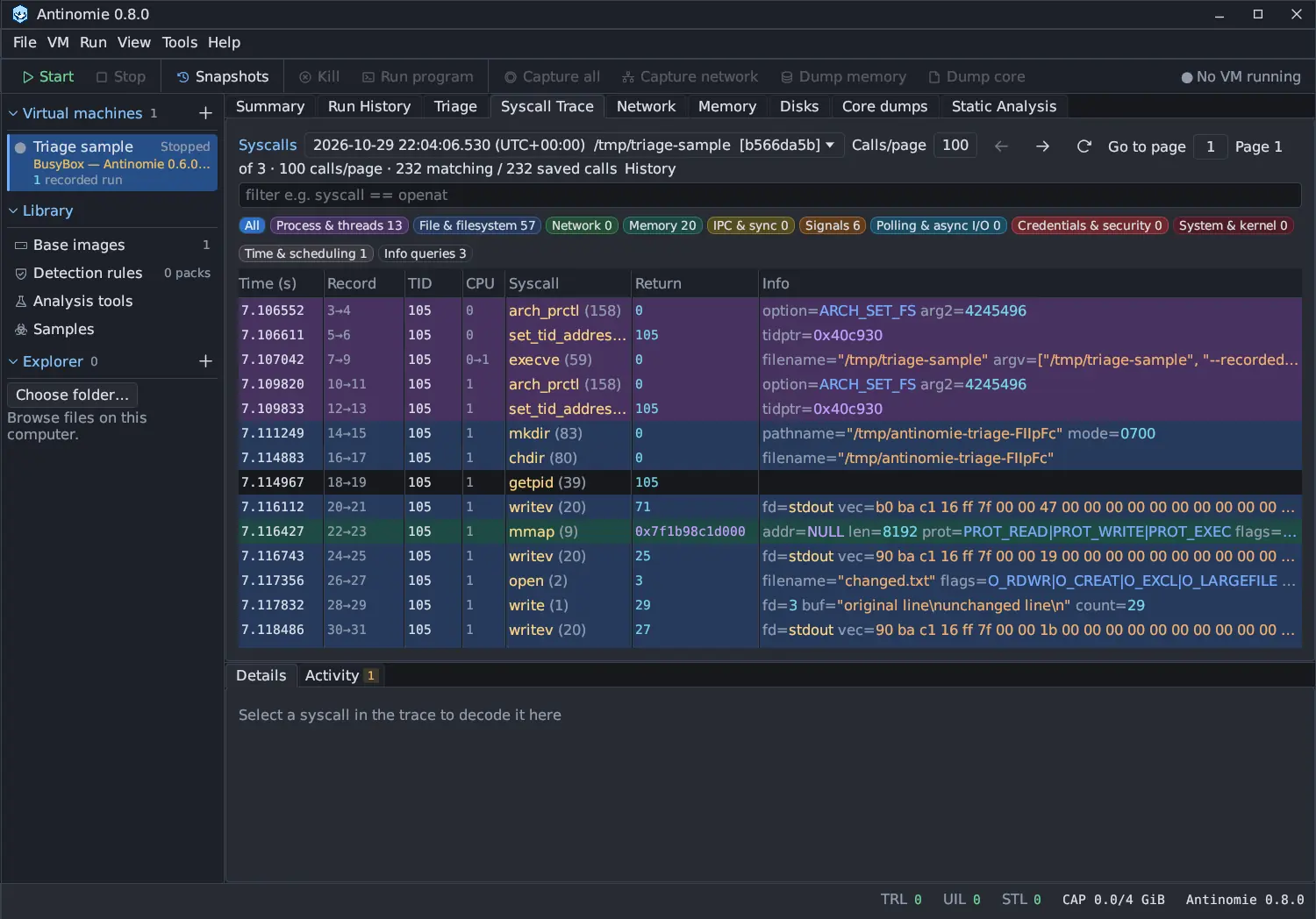
Syscall Trace lists the calls of the live trace or of a saved run or capture, one row per call. Select a call to decode it in Details. This page describes Antinomie 0.8.0, which is in development; the current release is 0.7.1.
Header controls
Section titled “Header controls”| Control | Does |
|---|---|
| Run dropdown | Live trace (or Observation capture) first, then the VM’s runs, newest first. Shared with Triage and Run History. |
| Process menu | For a capture, show all processes or only one |
| Calls/page | The page size of a saved recording, default 100, kept across restarts. Any positive size works; 0 or -1 shows every matching call in one virtual table whose visible rows load on demand. |
| Previous, Next, Reload archive page | Move through a saved recording |
| Go to page | Type a page number to jump to it; the filter is kept |
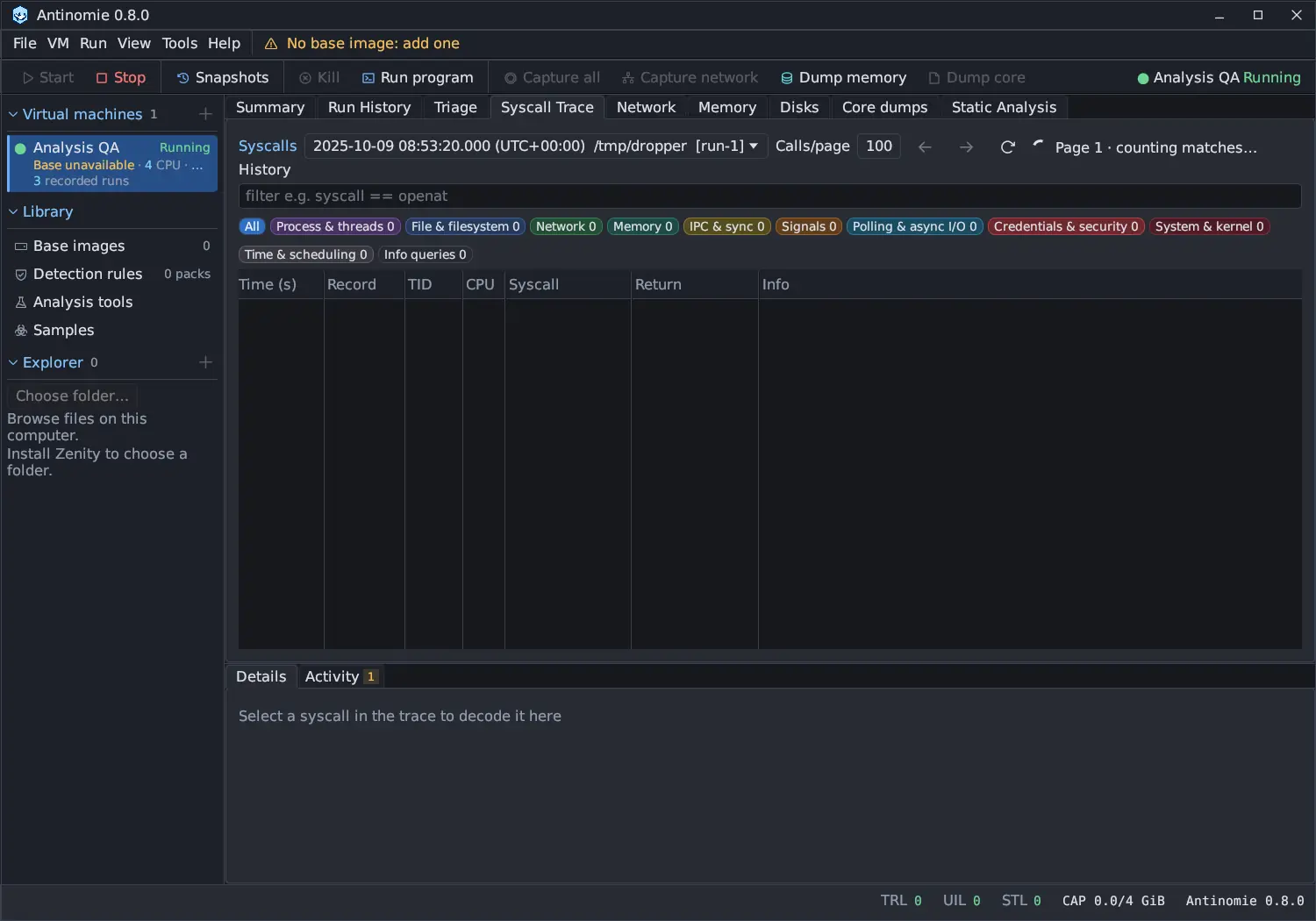
| Status | Where you are, such as Page 3 of 40 · 100 calls/page · 120 matching / 4,000 saved calls, or Page 1 · counting matches… while the totals are counted |
| Filter box | A Syscall Trace filter; the hint is filter e.g. syscall == openat |
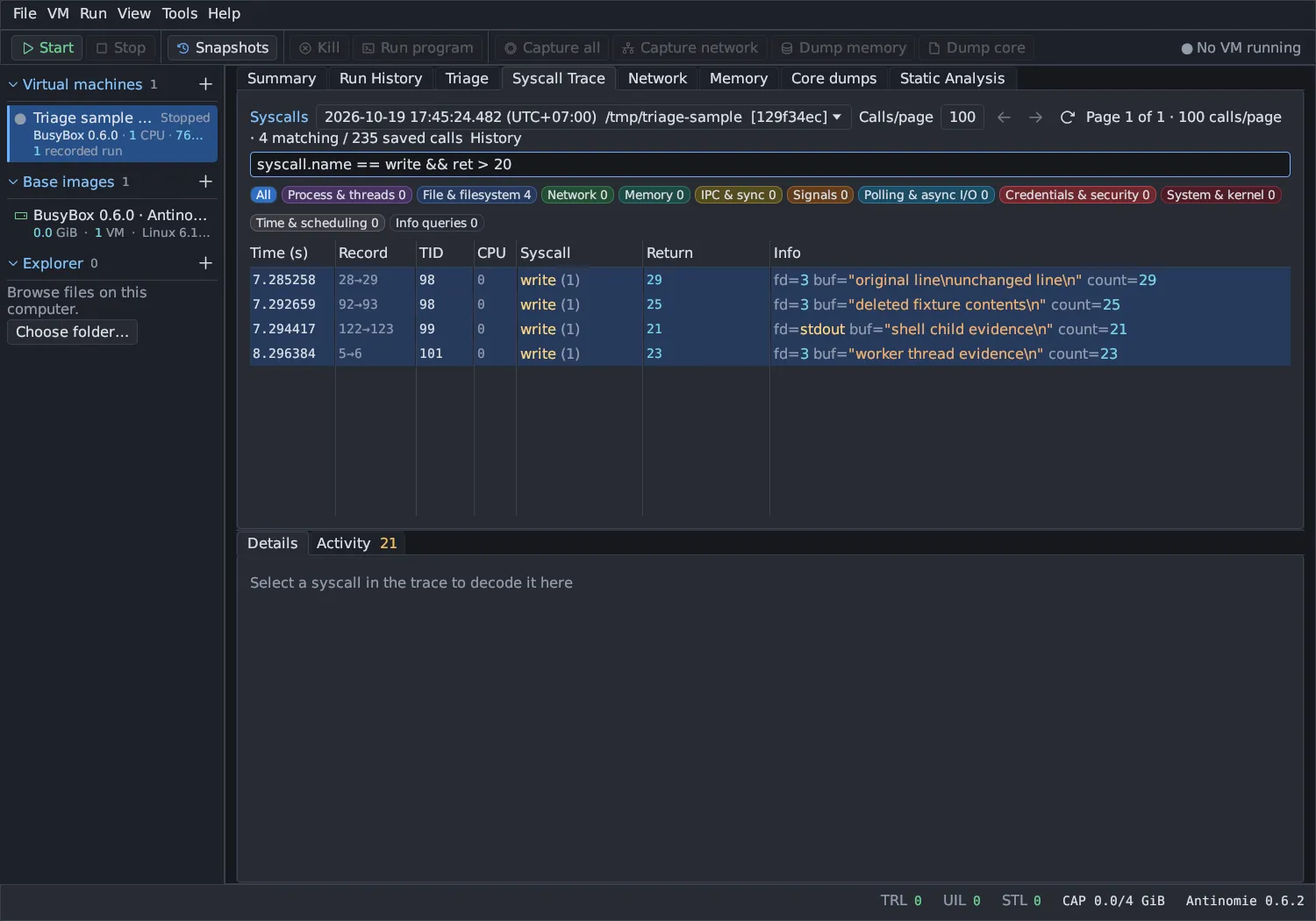
Under the header are category chips: All and one chip per syscall group with its count: Process & threads, File & filesystem, Network, Memory, IPC & sync, Signals, Polling & async I/O, Credentials & security, System & kernel, Time & scheduling and Info queries. Click a chip to hide or show that group; All shows or hides every group. With every group hidden the panel says so.
Columns
Section titled “Columns”| Column | Meaning |
|---|---|
| Time (s) | Guest time in seconds since boot |
| Record | The record numbers of the call’s Entry and Exit events |
| TID | The thread that made the call |
| CPU | The CPU the call entered on |
| Syscall | Name and number |
| Return | Counts and descriptors in decimal, addresses in hex, errors by name |
| Info | The arguments by meaning, with captured data in place of its pointer |
Failed calls have a red bar. Rows are tinted by category while Tools → Settings… → Appearance → Color syscall rows by category is on. Click a column title to sort; for a saved recording the sort applies to the loaded page only, and the header says Sort applies to this page (or Sort applies to the loaded window in the virtual table).
Captured data reads by its type
Section titled “Captured data reads by its type”The Info column, the argument and field rows of Details and the operands of an async request show a captured object by what it is, not by what its bytes look like:
- Strings and character data (a path, a task name, mount options) are always quoted.
- Data buffers (what
writesent, a key payload, a bpf map key) are always quoted with every byte, binary bytes escaped, such as"\x06\0\xb6A". - Socket addresses are decoded, such as
a.b.c.d:port, only when the field is asockaddr. - Structs, times, integers, pointers and arrays are hex.
Before 0.8.0 any object whose bytes looked printable was quoted, so a timespec or a pointer could read as text in one run and hex in the next.
Structures decoded by type
Section titled “Structures decoded by type”These structures are shown decoded on the trace line; selecting the field in Details lists each member.
| Structure | Shown as |
|---|---|
| Signal sets | Signal names, such as [SIGINT SIGUSR1], or ~[SIGKILL SIGSTOP] for all but those |
siginfo_t |
The common members and the branch its signal and si_code select: si_pid and si_status of a child, si_addr of a fault, si_value of a queued signal, si_syscall and si_arch of seccomp |
sigevent |
By sigev_notify |
stack_t (alternate signal stack) |
Its members |
bpf’s union bpf_attr |
By the command that passed it: map, program, attach, link, BTF and query members, with their type names; members past the size the program passed are left out |
| capget and capset | The header’s version by name, and the capability sets by name |
Directory entries (getdents, getdents64) |
Inode, offset, type and name of each entry |
Group lists, and the ids getresuid and getresgid wrote |
The ids |
file_handle |
Its header |
io_uring_params |
Flags and features by name, and the ring offsets |
| System V messages | mtype and mtext |
| iptables table headers | ipt_replace and xt_counters_info |
| x86 LDT entries | user_desc, and the descriptors modify_ldt reads |
Group lists, directory entries and LDT reads are typed by the guest kernel from
contract revision 18, a base built for 0.8.0; with an older base, or on a host
that does not know a layout, the bytes are shown as bytes. The filter fields of
these structures, such as args.attr.map_fd, are in
Syscall Trace filter.
Click, double-click and right-click
Section titled “Click, double-click and right-click”- Single click selects a call and decodes it in Details.
- There is no double-click action in this table.
- Right-click the items in the decoded call to copy a value, or choose Open data… on a captured field.
The decoded call
Section titled “The decoded call”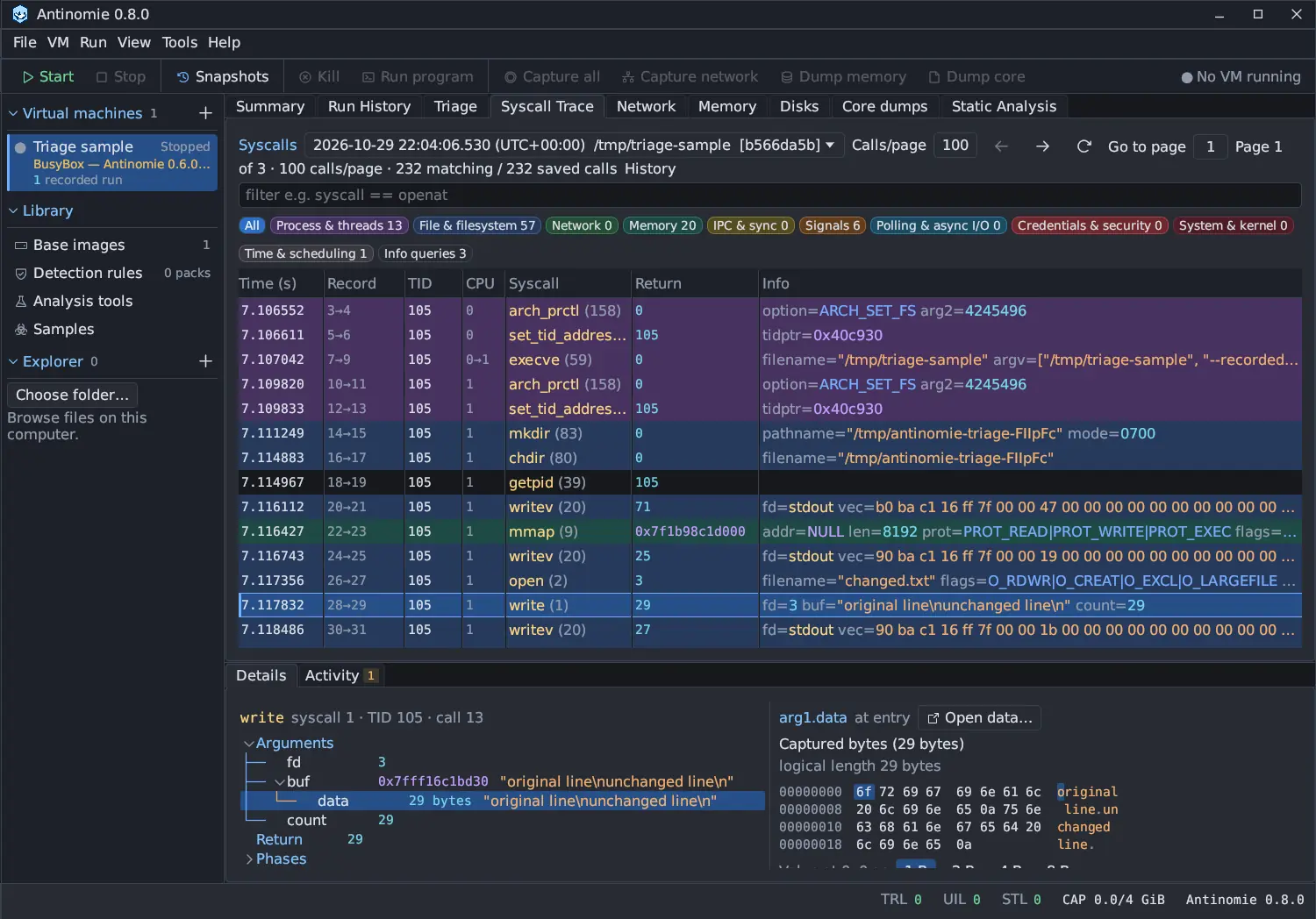
Details shows the selected call as a tree: Arguments by name, Return,
Captured objects, Phases (the Entry and Exit records, and Task
exit when the task ended in the call) and, for io_uring or AIO, an Async
section. Flags and enumerated values are decoded into names, such as
O_CREAT | O_CLOEXEC, F_SETFL or CLOCK_MONOTONIC, with unknown bits listed
separately. Exec vectors read as lists, and an argument that captured several
objects says how many.
Select a captured field to see its bytes beside the tree in a hex view, with the value at an offset read as 1, 2, 4 or 8 bytes in unsigned, signed, hex, octal, float and character forms. Open data… opens the buffer in its own window as UTF-8, ASCII, Hex, Hexdump, C array, Base64, Decimal bytes, Escaped string or \x escaped bytes, with Copy.
Each captured field shows a status such as complete, copy fault or not resident. See Capture statuses. Two tags mark data that was read later than the call’s entry:
- at exit: the input was not resident when the call started, so the guest read it again when the call returned; its tooltip says the bytes are what memory held after the call.
- kernel copy: after a successful exec the program’s old memory is gone, so the path is the exec’s own copy and the argument and environment strings come from the new program’s stack.
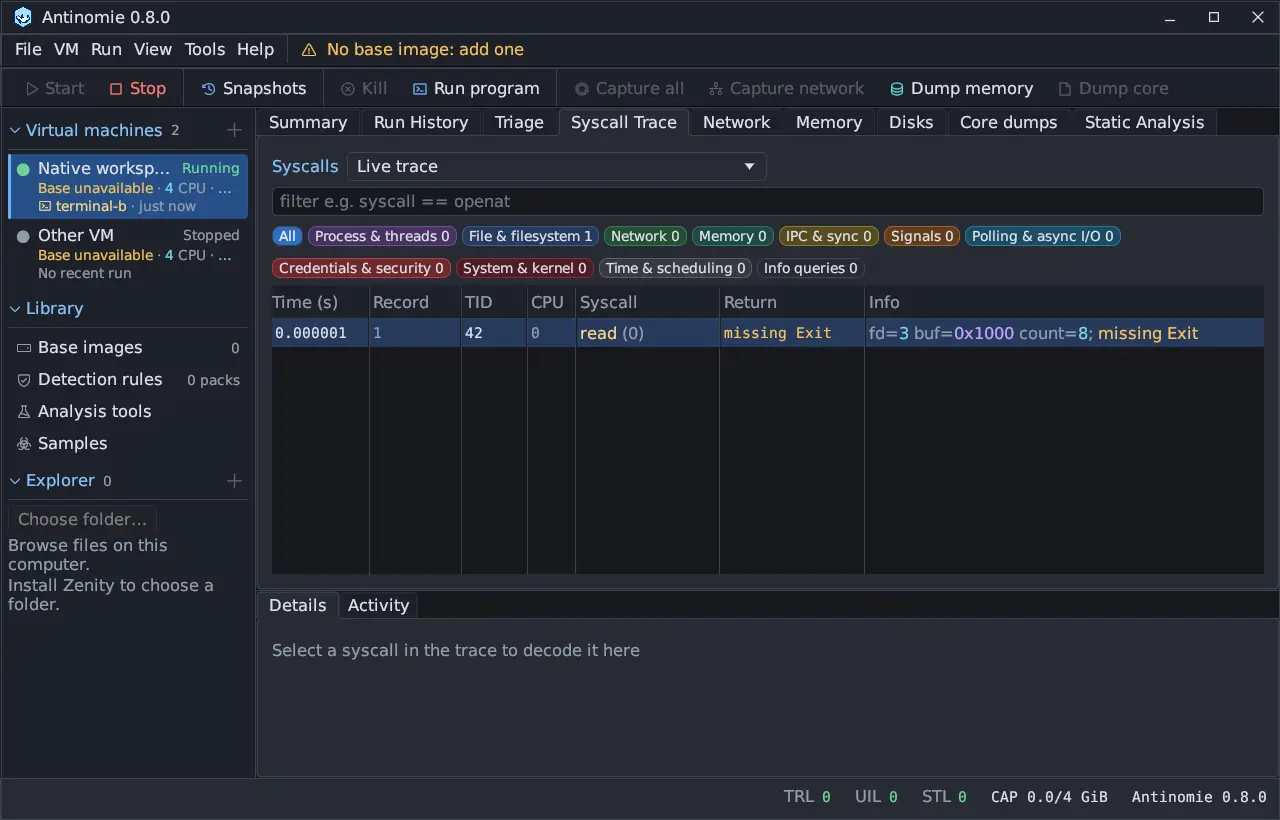
A call whose Exit was never recorded says missing Exit; exit and
exit_group show the task’s end instead.
The Async section previews the first 256 saved observations of a call and says how many were saved and how many are not shown. Browse all saved observations pages through the rest from the archive. See Async observations.
Live trace and an empty trace
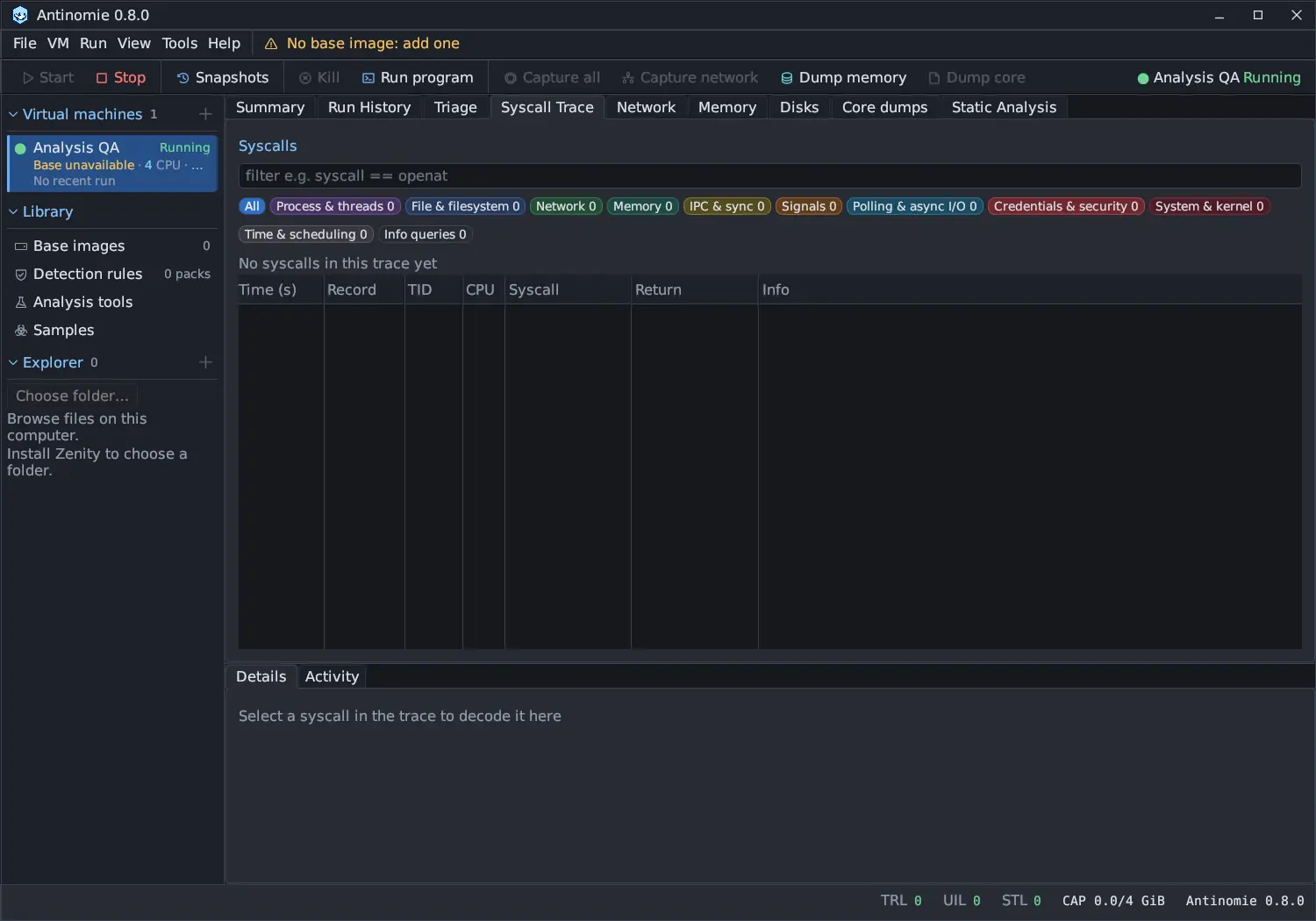
Section titled “Live trace and an empty trace”While a VM runs, Live trace shows the calls the host is assembling right now, in a bounded table. With nothing recorded yet, the panel says No syscalls in this trace yet; with no VM running it lists the VM’s recent runs and captures to open. See Live versus saved recordings.