

Live versus saved recordings
Everything Antinomie records is written to disk as it arrives. You can look at a recording while it is still being written (live) or later (saved). The same panels show both. This page describes Antinomie 0.8.0, which is in development; the current release is 0.7.1.
While a VM runs, Syscall Trace can show the live trace, the calls the host is assembling right now. Choose Live trace in the run dropdown at the top of the trace to return to it. The live view is held in a bounded table of calls in memory (16,384 by default; see Telemetry transport settings). Completed calls are retired before calls still in progress.
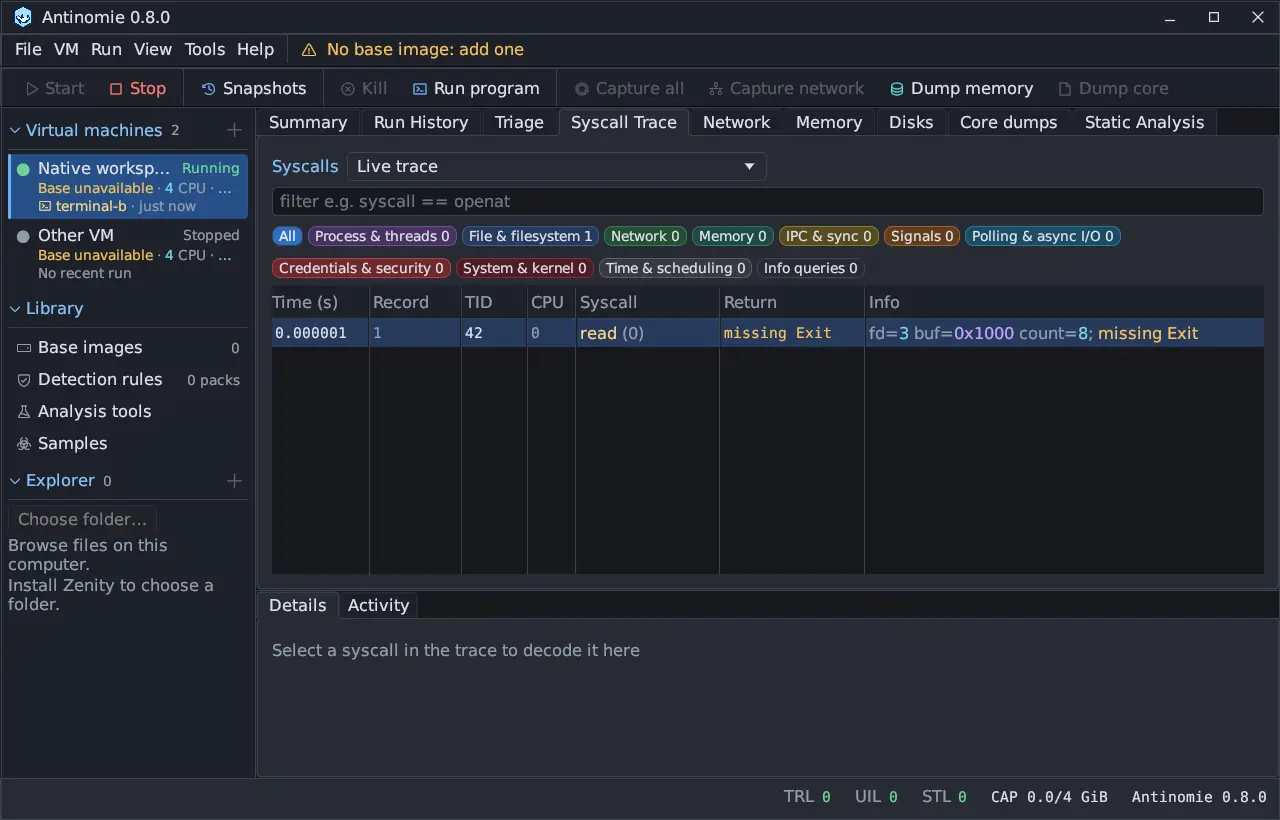
A run whose program tree has ended and whose terminal is closed no longer keeps its table in memory. Its trace is read from the saved recording instead.
Triage indexes the selected run’s saved prefix in the background and
refreshes it on a timer while the run is live. In Summary, the Refresh
button and the Every interval control that. Process, Files and
Network show one status at the right of the tab bar, such as Refreshed 12 s ago · every 5 s; its menu has Refresh now and the interval. Tables that
need the finished recording, such as network triage, work on what has been
saved so far.
A saved recording is the run folder on disk. You can open it while the VM is stopped, after a restart, or in a later session:
- Run History lists every run of the selected VM, including earlier boots.
- Syscall Trace reads the run’s calls from the archive page by page. The
Calls/page box sets the page size (default 100) and is kept across
restarts; 0 or -1 shows every matching call in one virtual table that
loads the visible rows on demand, and Go to page jumps to a page. The page
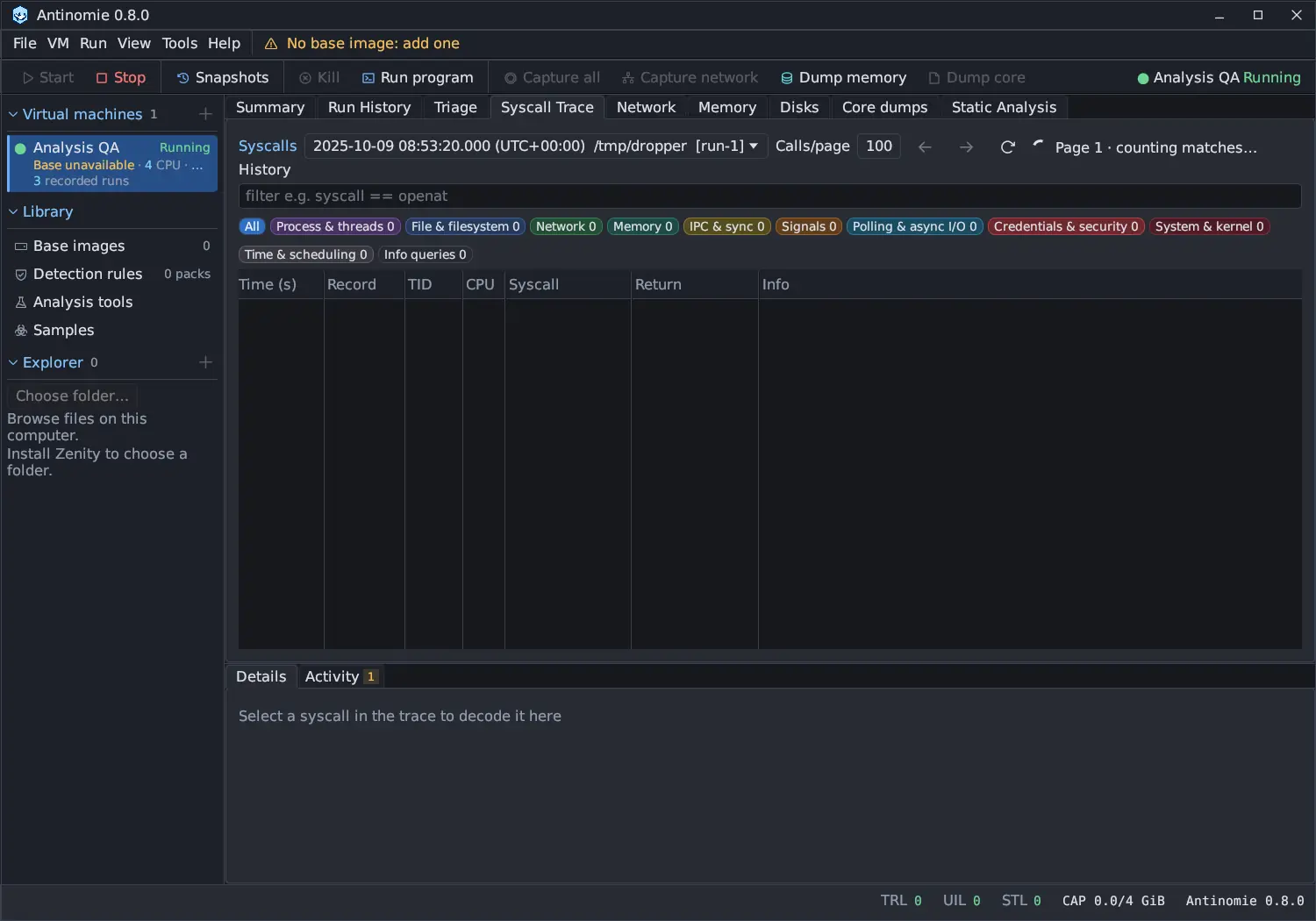
count and the number of matching calls are computed once per run and filter
on a separate thread (
counting matches…), and a filter checks every saved call, not just the loaded page. - Network lists saved pcaps. Memory and Core dumps list saved dumps and cores, and Disks lists saved disk dumps.
- A run that lived through a transport reconnect is saved in several recording segments, one per boot timeline. Run History lists it once, with a note per reconnect, and Triage, its file lifecycles, the detection journal and the network evidence read every segment, oldest first.
- Terminal output and the process tree are saved too, so you can reopen a run’s terminal, in the Formatted or the Raw view. See Terminal.
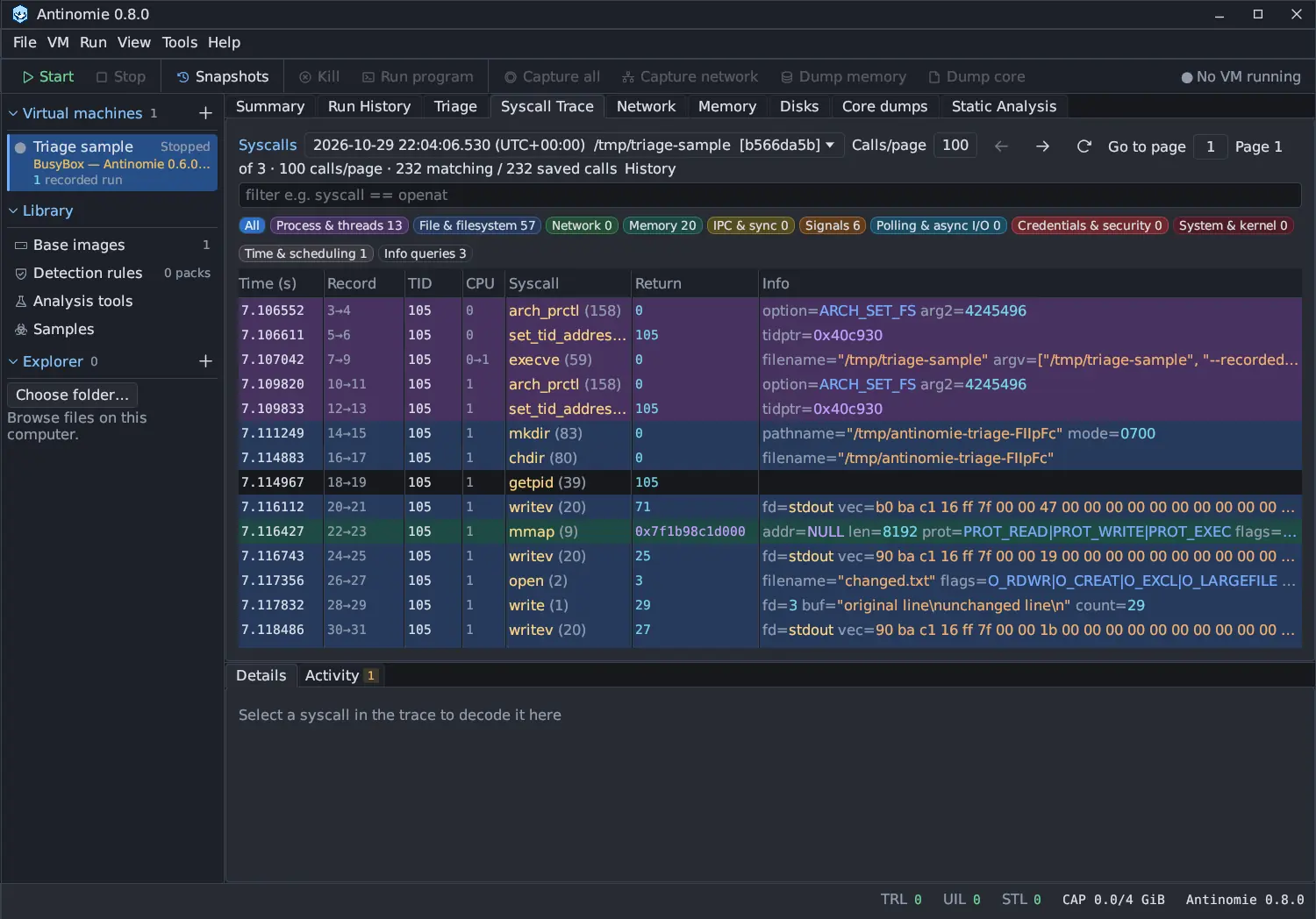
Opening a recording that is still being written works: the index covers what has been saved so far and grows on the next read.
What the difference means for your results
Section titled “What the difference means for your results”- A live view can lag the VM slightly and can be affected by UIL, the loss of preview records. A saved recording is not. See Loss counters.
- Sort on the Syscall Trace applies to the loaded page of a saved recording (or the loaded window of the virtual table), not to the whole run.
- Some analysis needs a saved recording. The Triage refresh controls are disabled until the run has a whole-run index, which starts after the recording is saved.
- If saving stopped for a run (for example the quota was reached), the run is marked Saving stopped and what was saved before is kept. See Recording incomplete.
Reopening and backups
Section titled “Reopening and backups”Reopen a run from Run History: single-click to select it, double-click to open its Triage. The terminal icon in the row reopens the run’s terminal. To back up recordings, stop the VM and the app first, so no file is being written. See Data and files.